AI Text Watermark Remover

Zero-Width Space Remover

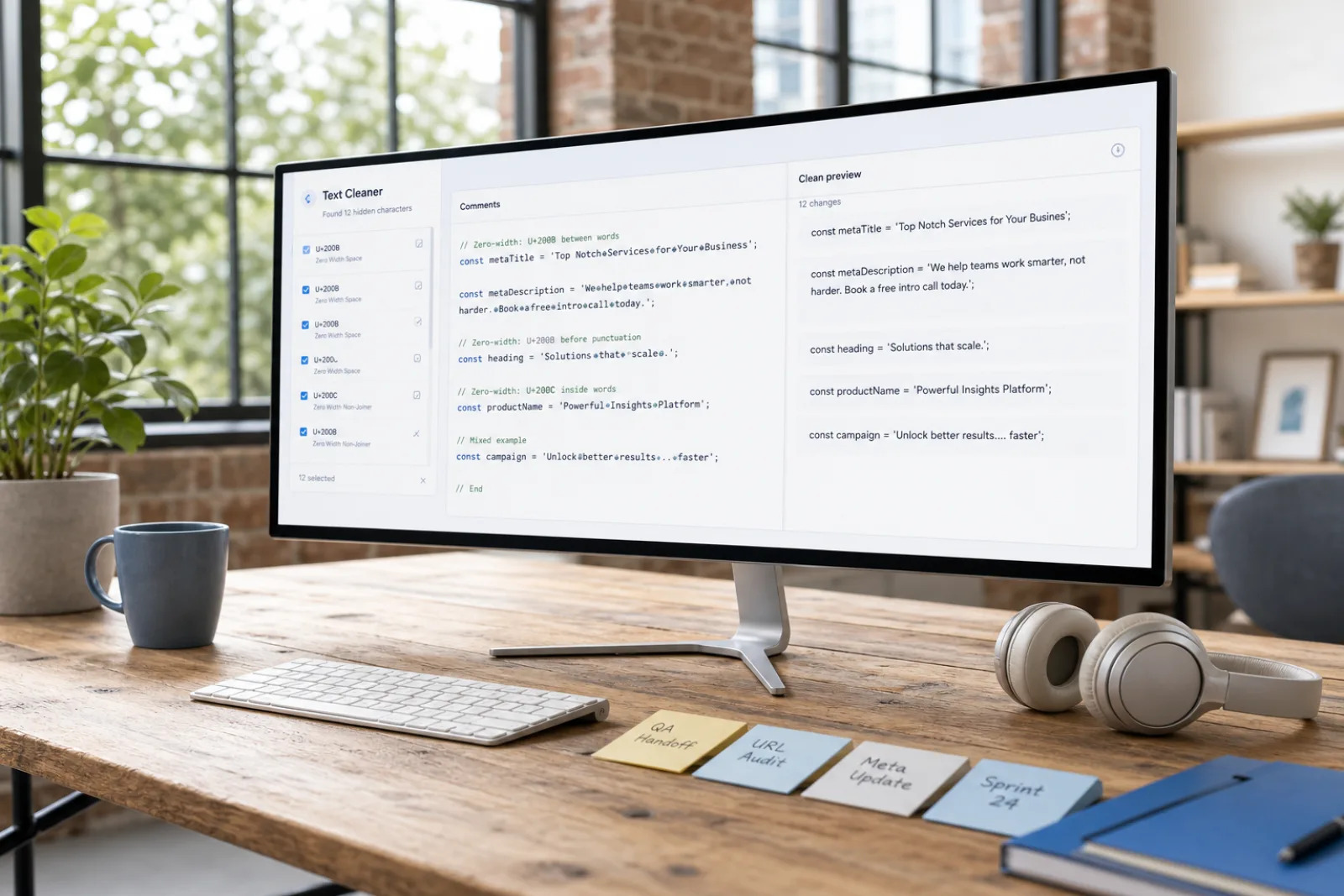
Locate and remove U+200B zero-width spaces, ZWNJ, ZWJ, and invisible delimiters from text locally in your browser.

Fast cleanup
Privacy-first free tools
No login required
0 characters · 0 words
Works with paste fromClaudeChatGPTGeminiDocsCMSEmail

High-signal invisible Unicode the scanner flags

These code points show up most often in AI chat pastes, docs, and web copy. The full scan covers 60 characters; this table is the short list.

CodeNameWhy it breaks pastes
U+200BZero Width SpaceInvisible separator; breaks word counts, search and URLs. Common AI/copy artifact.
U+200CZero Width Non-JoinerInvisible; controls ligature joining. Often unintended residue.
U+200DZero Width JoinerInvisible; joins glyphs/emoji. Can be watermark residue in plain text.
U+FEFFZero Width No-Break Space (BOM)Byte order mark / invisible; corrupts leading text and parsing.
U+00A0No-Break SpaceLooks like a space but blocks line breaks; breaks search matching.
U+202FNarrow No-Break Space (NNBSP)The main 'ChatGPT o3/o4-mini' artifact. Looks like a space, different code point.
U+00ADSoft HyphenInvisible unless line wraps; splits words for search.
U+202ERight-To-Left OverrideBidi override; strong spoofing risk.

The live scanner still checks the full set of 60 code points, including bidi controls and variation selectors.

How Zero-Width Space Remover Cleans Text

Understand how U+200B, ZWNJ, and invisible delimiters are detected and purged from text strings.

How Zero-Width Space Remover Cleans Text
Before3 hidden · Markdown noise
Sure! Here’s a summary​ —
**Key points**
- First item
> Note: important 
AfterVisible text intact
Sure! Here's a summary —

Key points
• First item
Note: important

Two Layers of Text Cleaning: Zero-Width Characters vs. Statistical Phrasing

Locate and remove U+200B zero-width spaces, ZWNJ, ZWJ, and invisible delimiters from text locally in your browser.

1. Zero-Width Spaces & Invisible Code Points

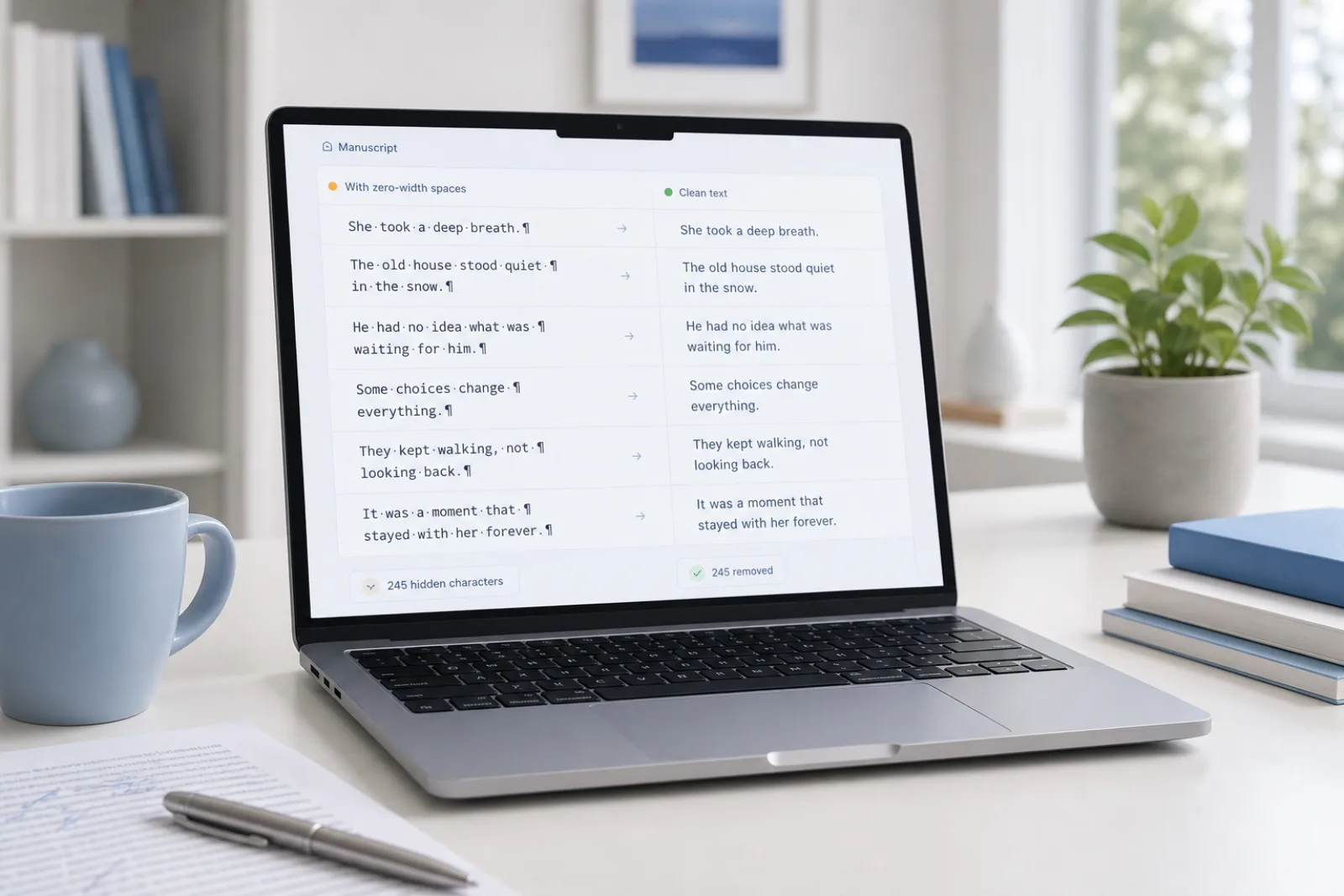
Non-printing characters including U+200B (Zero-Width Space), U+200C (ZWNJ), U+200D (ZWJ), and U+FEFF (BOM). These are deterministic Unicode bytes that can be identified and deleted 100% locally in your browser without altering visible characters.
2. Semantic Wording & Statistical LLM Patterns

Algorithmic token selection and repetitive transition patterns produced by generative AI models. Eliminating zero-width characters has no effect on statistical token distributions; modifying statistical phrasing requires full-sentence semantic rewriting.

Privacy first

Invisible-character and Markdown cleaning run locally in your browser. We don’t store Free-tool text.

How to Remove Zero-Width Spaces in 3 Steps

  1. 01

    Step 1: Paste Text for Zero-Width Inspection

    Paste your code snippet, draft, or dataset into the workspace. The browser tool instantly scans for U+200B and 60 related zero-width Unicode characters.

  2. 02

    Step 2: Delete Zero-Width Characters for Free

    Review the detected zero-width code points highlighted across your text. Click Clean to delete every zero-width character instantly without sending data to any external server.

  3. 03

    Step 3: Copy Clean String or Apply Pro Rewrite

    Copy your sanitized text string for database ingestion, code development, or publishing. If your draft also requires stylistic restructuring, you can optionally send it to our Pro rewrite engine.

Zero-Width Character Sanitization Features

Invisible character detection

Free

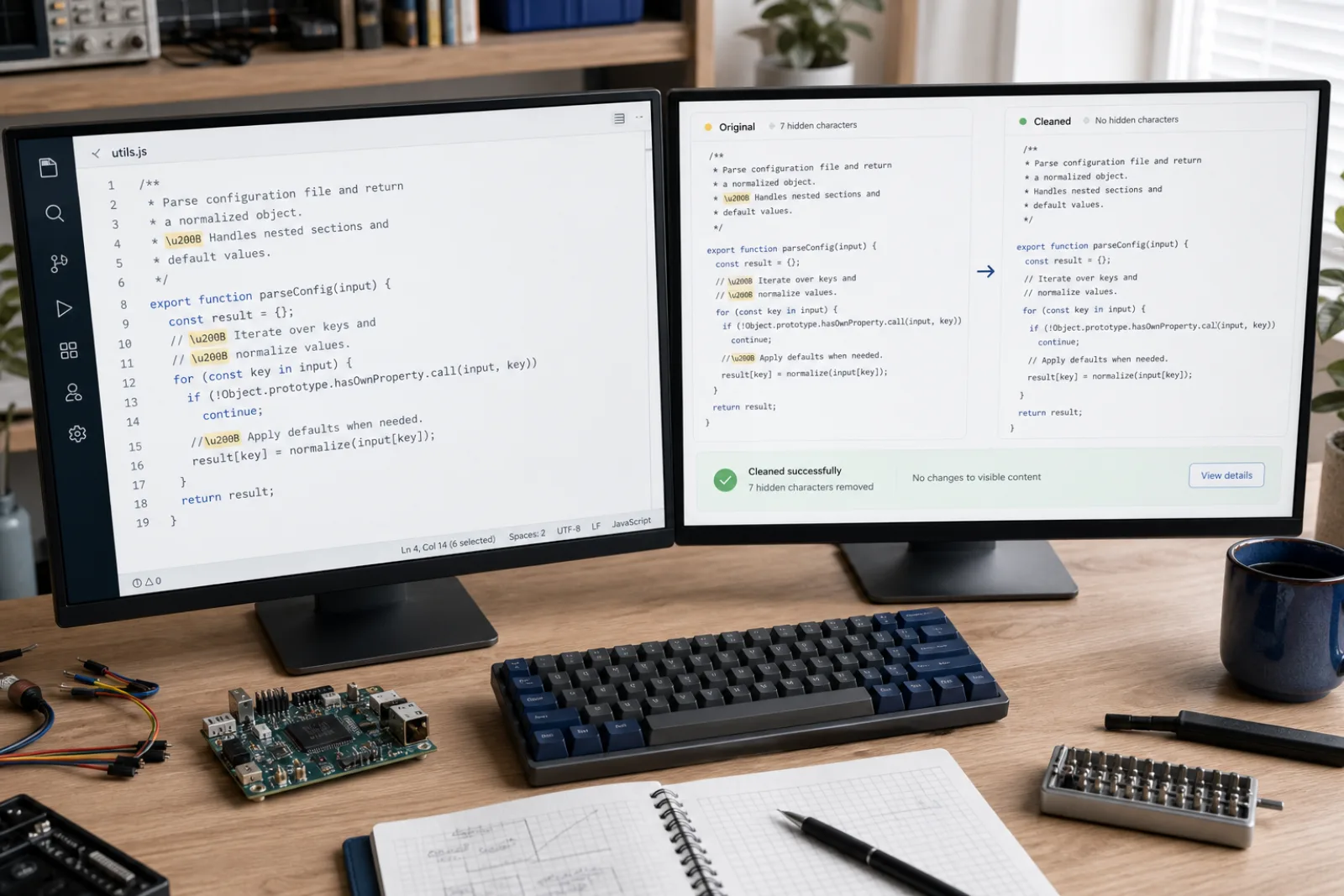
Detects zero-width spaces, NNBSP, BOM, directional marks and 60+ other invisible code points without rewriting your words.

Markdown cleaner

Free

Strip headings, lists, quotes, and emphasis markers into plain text ready for CMS and editorial review.

Text watermark remover

Pro

Pro rewrite regenerates meaning-preserving text when a watermark is baked into wording — not just hidden Unicode.

AI Humanizer

Pro

Rewrite AI flavor into more natural cadence. No tool can guarantee detector bypass; results vary.

Eliminating Zero-Width Spaces: U+200B and Phantom Unicode Delimiters

01

Zero-width spaces—most notably U+200B, alongside zero-width non-joiners (U+200C) and zero-width joiners (U+200D)—are non-printing Unicode characters that render with zero visual width. While originally specified for complex script ligature shaping and word boundary hints, they are frequently introduced into clipboard text by web apps, source code snippets, and AI chat interfaces. Because they are completely invisible to the eye, they often create mysterious bugs in downstream applications.

02

Our Zero-Width Space Remover actively scans your pasted text against a database of 60 zero-width and invisible character code points. It isolates instances of U+200B, U+FEFF (byte-order marks), U+2060 (word joiners), and related hidden formatting characters. You can inspect the exact positions and count of each detected code point, then purge them completely with a single click inside your local browser.

03

Zero-width characters create severe issues in software development, data analytics, and search optimization. In programming environments, phantom U+200B bytes cause unexpected string comparison failures, JSON parsing crashes, and broken identifier lookups. In content publishing, they distort character count calculations and break URL slugs, making deterministic character scrubbing essential for clean digital workflows.

04

It is essential to distinguish between removing physical zero-width bytes and altering statistical text watermarks. Stripping U+200B eliminates invisible characters from your text strings, but does not alter the underlying statistical token distribution generated by language models. For drafts that require stylistic adjustments or sentence restructuring, our optional Pro rewrite provides meaning-preserving semantic paraphrasing.

Common Scenarios Involving Zero-Width Spaces

ZWSP in published HTML
01

ZWSP in published HTML

Zero-Width Space Remover targets U+200B and related joiners that inflate strings and break layout.

Open the tool
Editorial invisibles
02

Editorial invisibles

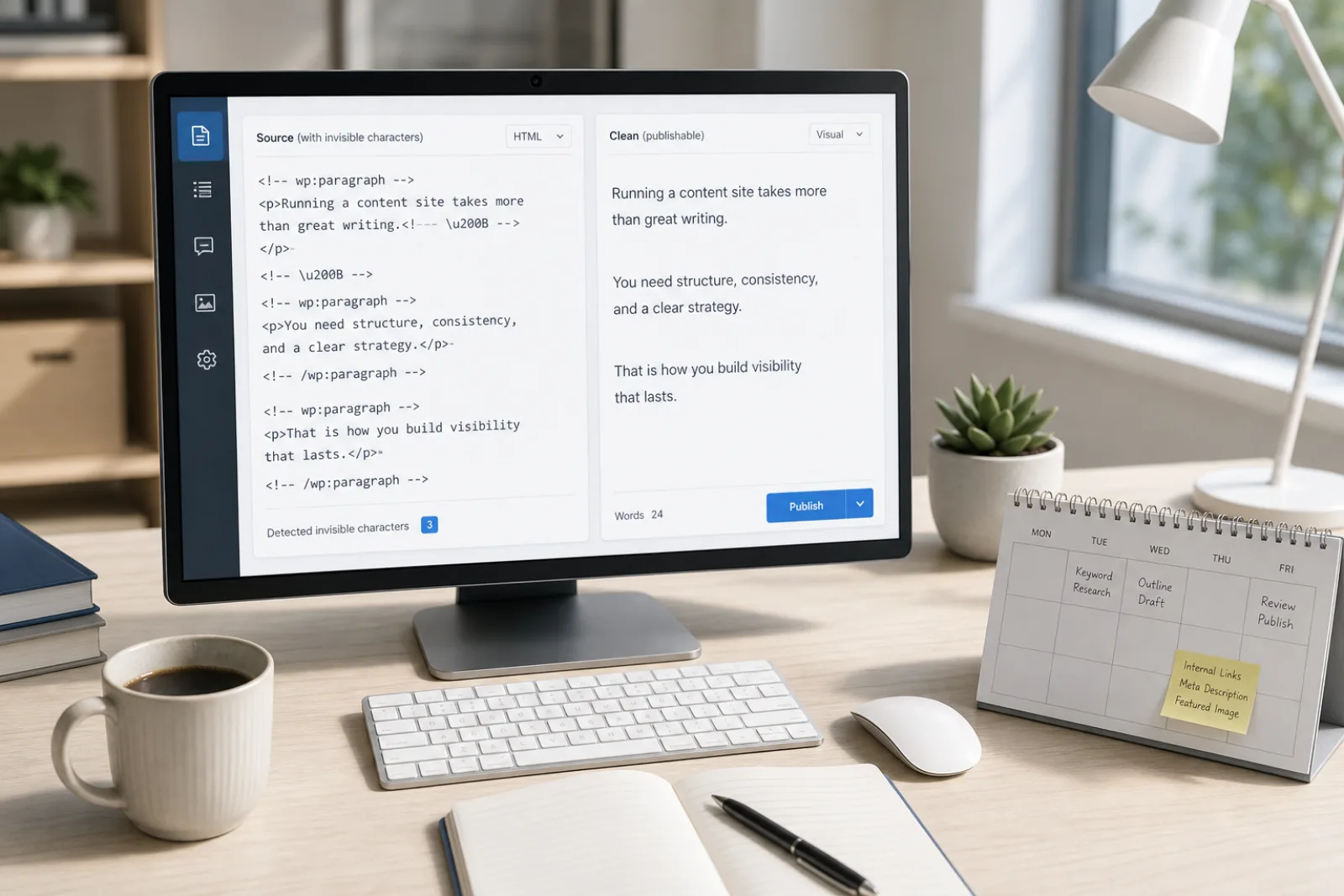
A paragraph can look identical and still contain ZWSP. The cleaner deletes the mark, not the words.

Open the tool
Agency QA on pasted ads
03

Agency QA on pasted ads

Narrow fields punish extra code points. Clean locally before the snippet goes live.

Open the tool
Source comments from assistants
04

Source comments from assistants

Playground paste often injects U+200B. Strip it before the compiler or linter sees it.

Open the tool

What people say

The free scan lists the code points. I clean the paste in the browser, then only use Pro if the wording itself needs a rewrite.

Content ops

SEO & CMS

Markdown from chat was breaking our editor. Stripping hashes and fences locally is the whole job — no file upload.

Editorial

Publishing

Hidden Unicode broke string equality in a parser. Character cleanup first; sentence rewrite is a different layer.

Engineering

Docs & support

Free Local Zero-Width Cleanup & Pro Rewrite

Scanning and deleting zero-width spaces is always free in your browser, with Pro rewrite credits available on our pricing page.

See pricing

Clear Capabilities and Technical Boundaries

Zero-Width Space Remover removes non-printing Unicode bytes like U+200B with 100% deterministic accuracy in your local browser. However, deleting zero-width spaces does not modify visible words, bypass third-party AI detectors like Turnitin or GPTZero, or remove statistical model watermarks. In addition, this tool is built for pasted text and does not accept uploaded binary documents like Word (.docx) or Pages files.

Zero-Width Space Remover Frequently asked questions

What is a zero-width space (U+200B) and why is it problematic?+

A zero-width space (U+200B) is an invisible Unicode code point that occupies byte space in a string without rendering any visual gap on screen. It frequently causes hidden bugs, such as failed string comparison tests, broken search queries, and database serialization errors.

Which zero-width characters does this tool detect and delete?+

The tool detects U+200B (Zero-Width Space), U+200C (ZWNJ), U+200D (ZWJ), U+FEFF (BOM), U+2060 (Word Joiner), and 60 related invisible Unicode variants. It allows you to inspect and remove all zero-width characters in a single click.

Is my text data stored or sent to a server when removing zero-width spaces?+

No. All scanning and deletion of zero-width characters occurs 100% locally in your web browser using JavaScript. Your text never leaves your computer and is never saved on remote servers.

Does deleting U+200B characters bypass AI detectors like Turnitin or GPTZero?+

No. Zero-width spaces are formatting characters, whereas AI detectors analyze statistical token probability and sentence entropy. Deleting invisible characters fixes string integrity but has no impact on statistical AI detection scores.

Can zero-width spaces be safely removed from programming code?+

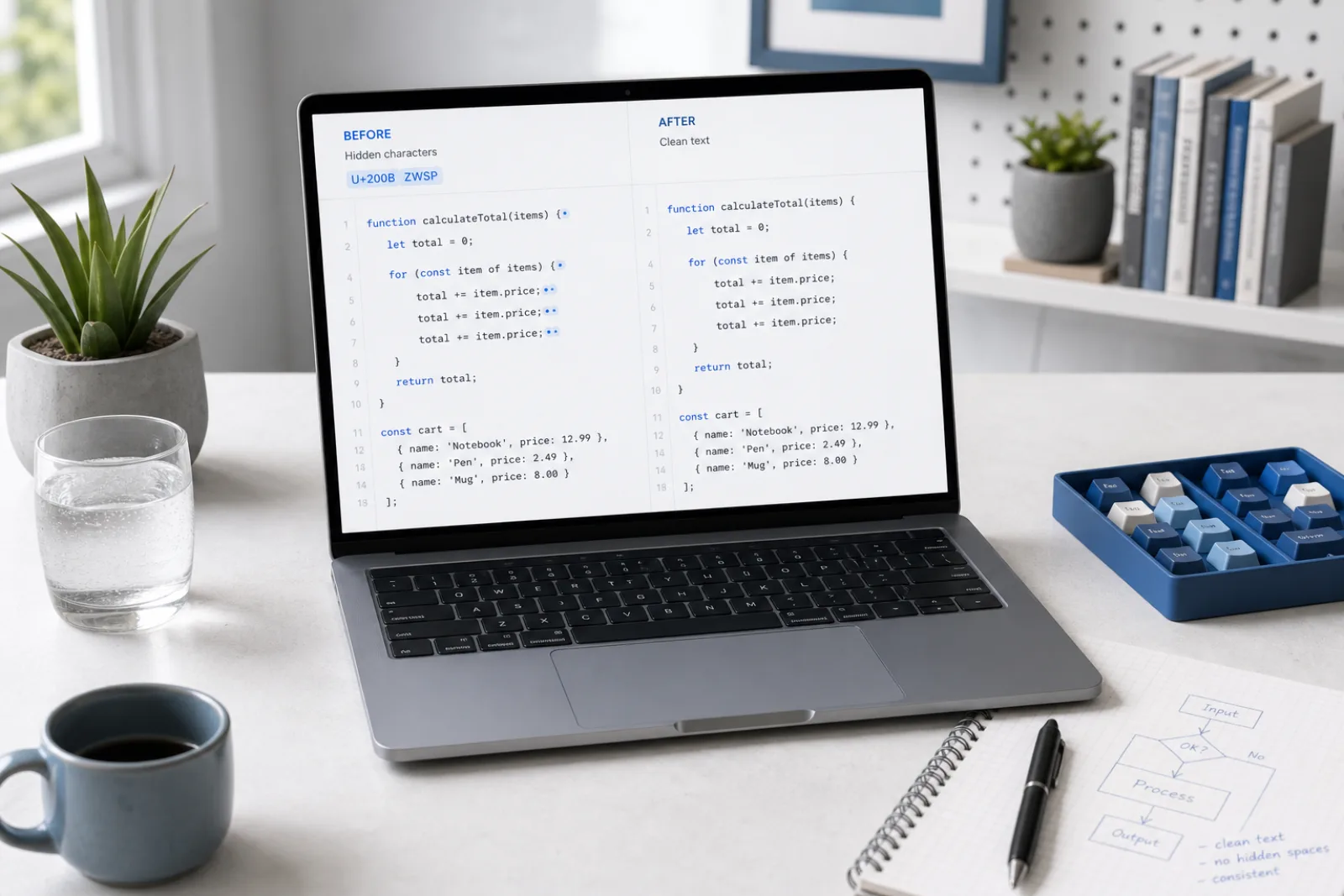
Yes. Invisible zero-width spaces accidentally pasted into source code frequently cause compiler syntax errors and broken variable names. Removing them restores valid ASCII/UTF-8 code structure without altering your logic.

What is the difference between this free tool and Pro text rewriting?+

The free tool deletes invisible zero-width bytes while keeping all visible text completely unchanged. Pro text rewriting uses semantic AI processing to restructure sentences, vary vocabulary, and polish phrasing.

A focused tool for cleaner AI paste

It is essential to distinguish between removing physical zero-width bytes and altering statistical text watermarks. Stripping U+200B eliminates invisible characters from your text strings, but does not alter the underlying statistical token distribution generated by language models. For drafts that require stylistic adjustments or sentence restructuring, our optional Pro rewrite provides meaning-preserving semantic paraphrasing.

Strip Zero-Width Spaces Now

Locate and remove U+200B zero-width spaces, ZWNJ, ZWJ, and invisible delimiters from text locally in your browser.