Microsoft Word
Non-breaking spaces (U+00A0), smart quotes, and list markers from .docx paste.
Tools
Strip markdown syntax, bolding asterisks, headers, and code fences from pasted text directly in your browser without uploading files.
Remove Formatting is for Word, Docs, mail, and PDF — not a second Markdown-token page.
Non-breaking spaces (U+00A0), smart quotes, and list markers from .docx paste.
Clipboard HTML that still carries nbsp and curly apostrophes after paste.
Outlook and Gmail pastes that inject styled spaces and hidden spans.
Soft hyphens and odd whitespace left when copying from a PDF viewer.
See it in action
Understand how markdown symbols and styling artifacts are stripped to produce pristine plain text.
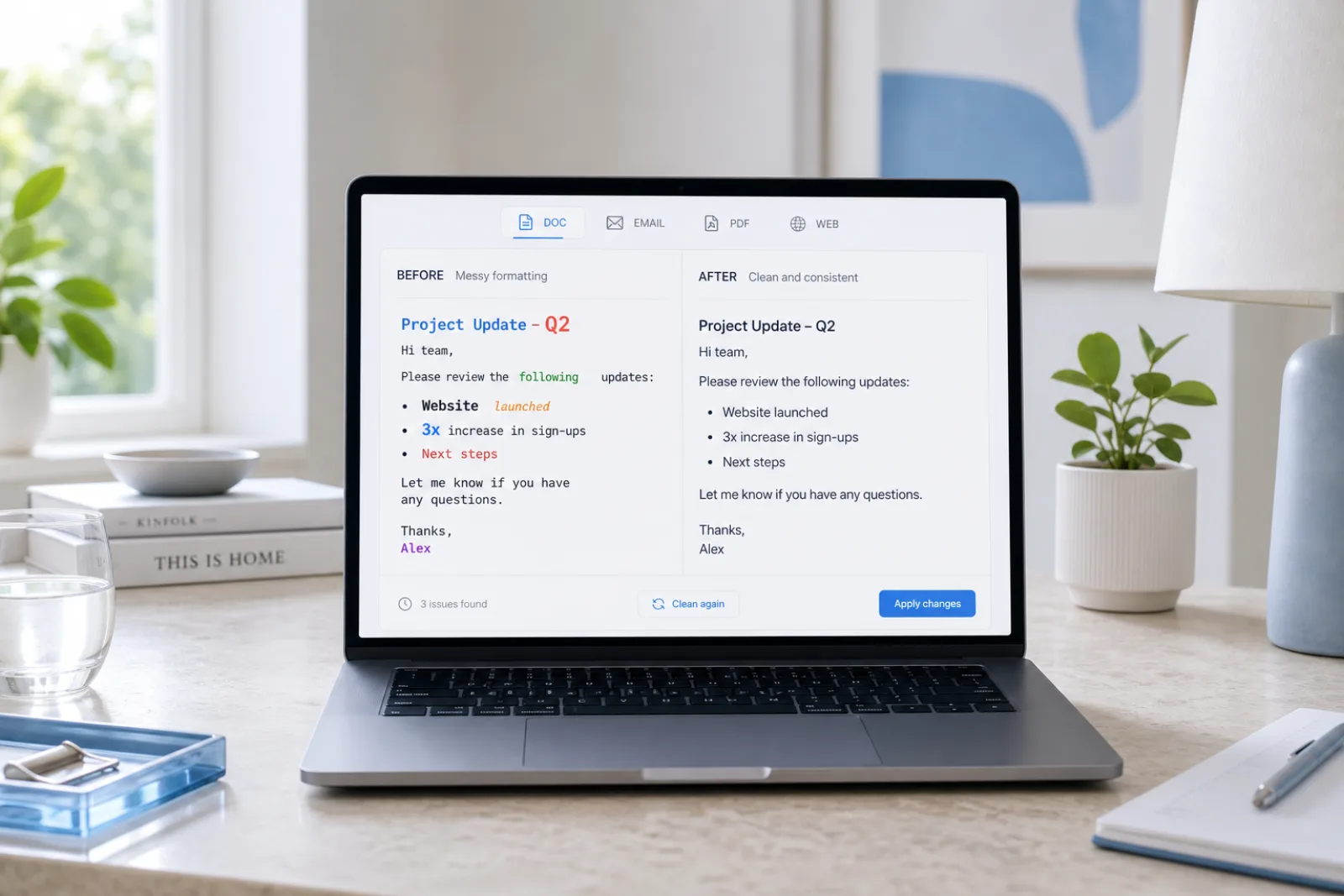
Sure! Here’s a summary — **Key points** - First item > Note: important
Sure! Here's a summary —

Key points
• First item
Note: important
Why
Strip markdown syntax, bolding asterisks, headers, and code fences from pasted text directly in your browser without uploading files.
U+00A0, smart quotes, curly apostrophes, soft hyphens, and leftover HTML spacing from office and mail apps. Free local flatten to plain text.
The sentences after the rich-text wrapper is gone. Optional Pro reconstruction if you want different phrasing — not a writing-checker bypass.
Invisible-character and Markdown cleaning run locally in your browser. We don’t store Free-tool text.
How
Copy your text from any AI chat interface, rich-text document, or website and paste it into the editor. The tool immediately detects formatting tokens and non-standard markup in your text.
Click Clean to strip all markdown tags, asterisks, brackets, and heading symbols instantly. The process executes entirely inside your local browser memory, producing clean plain text in milliseconds.
Copy the sanitized plain text for your CMS, email editor, or database. If your draft also requires vocabulary adjustments or tone refinement, you can optionally send it to our Pro rewrite engine.
Features
Detects zero-width spaces, NNBSP, BOM, directional marks and 60+ other invisible code points without rewriting your words.
Strip headings, lists, quotes, and emphasis markers into plain text ready for CMS and editorial review.
Pro rewrite regenerates meaning-preserving text when a watermark is baked into wording — not just hidden Unicode.
Rewrite AI flavor into more natural cadence. No tool can guarantee detector bypass; results vary.
Definition
Remove Formatting is for office clipboard HTML, not a second CommonMark page. Pastes from Microsoft Word, Google Docs, email (Outlook/Gmail), and PDF viewers carry U+00A0 non-breaking spaces, smart quotes, curly apostrophes, and styled spans that a plain-text field never asked for.
Those sources serialize rich text, not heading hashes. A Docs or Word copy can look clean and still contain no-break spaces that glue words together; a mail client can inject hidden spans; a PDF viewer can leave soft hyphens. This page is that office-paste path.
Paste into the workspace and run the free local cleaner. We do not upload .docx or PDF binaries; you paste the text the app already put on the clipboard. Hidden Unicode can be stripped on the Invisible Characters tab in the same session.
Flattening office paste does not paraphrase the memo. Pro rewrite is only if you want different wording after the clipboard is plain. No classifier result is implied.
Use cases
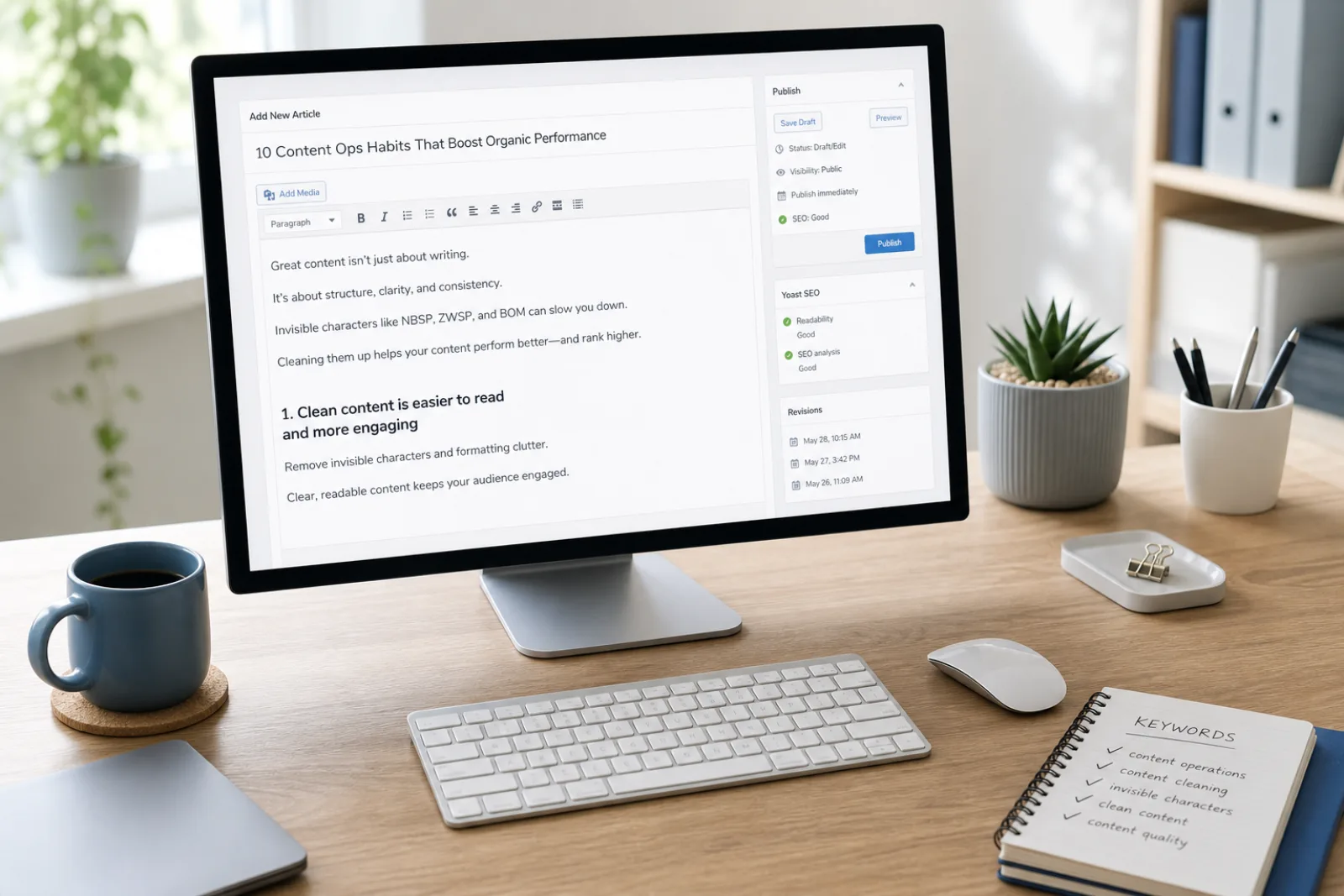
Remove Formatting flattens office paste: U+00A0, smart quotes, and styled spans — not a second CommonMark page.
Open the tool →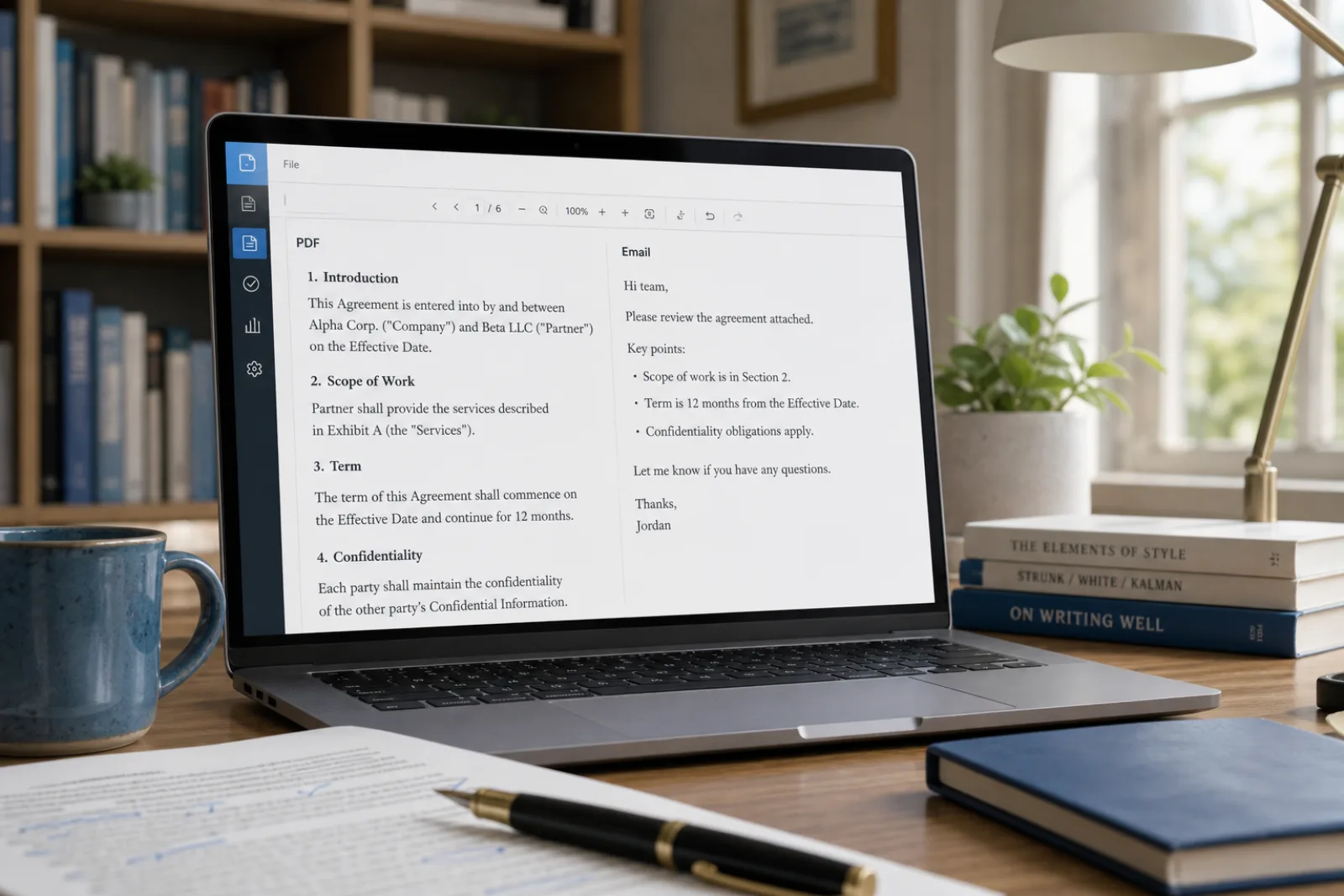
Outlook and Gmail inject hidden spacing. Paste the text, flatten locally, keep paragraph breaks.
Open the tool →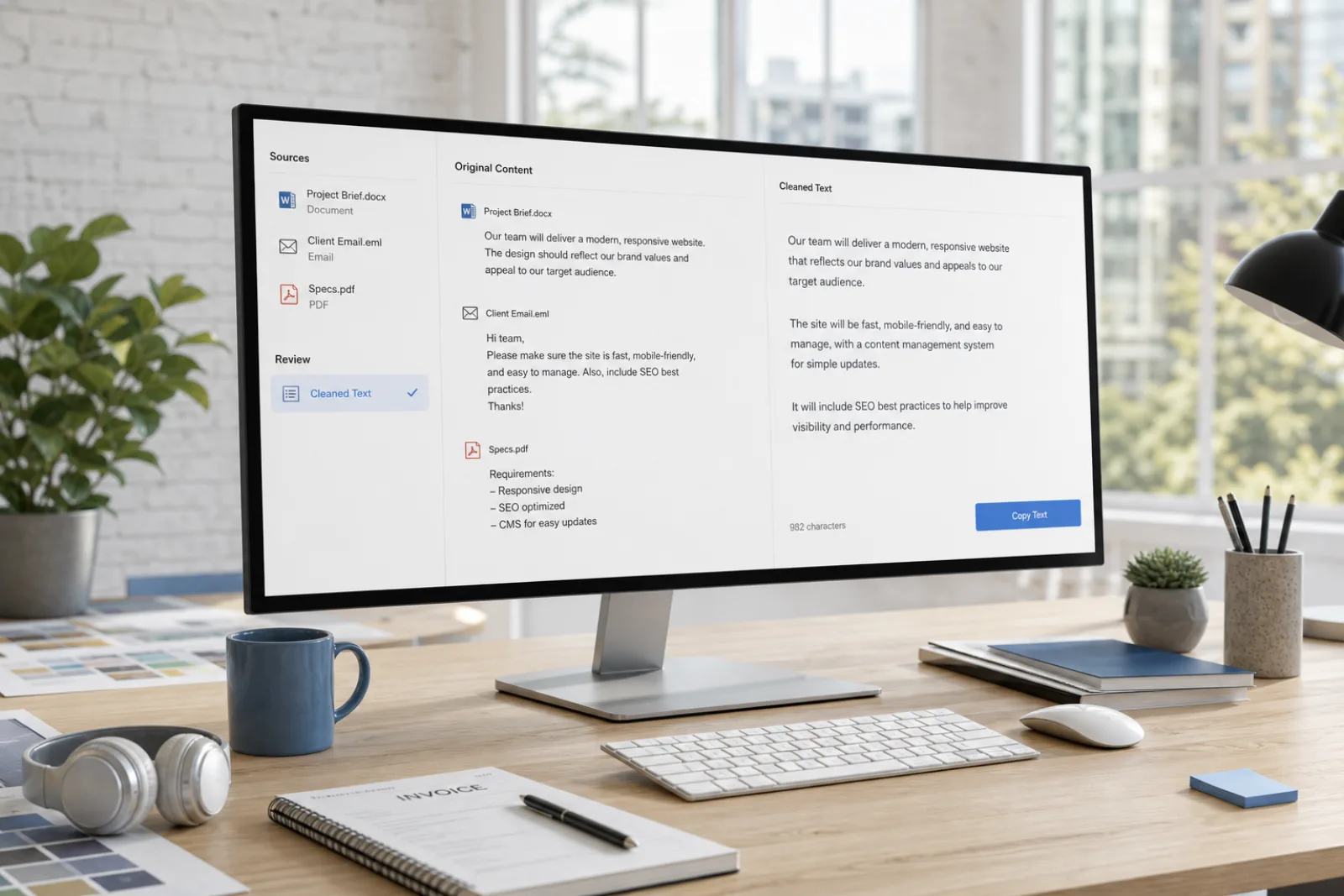
Soft hyphens and odd whitespace from a PDF copy get stripped without uploading the file.
Open the tool →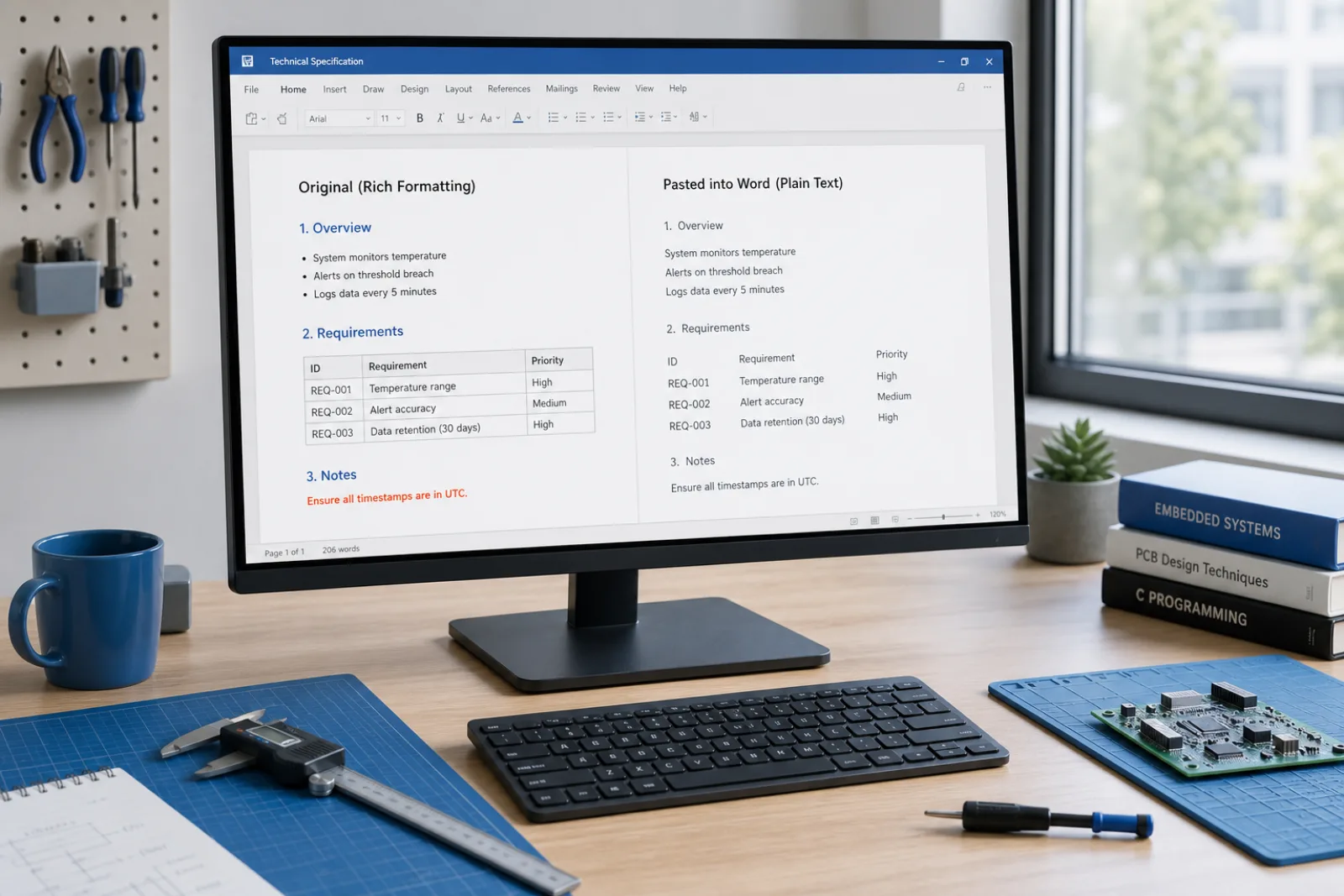
Agencies deliver unstyled text. Markdown hashes still belong on Markdown Cleaner.
Open the tool →Testimonials
“The free scan lists the code points. I clean the paste in the browser, then only use Pro if the wording itself needs a rewrite.”
Content ops
SEO & CMS
“Markdown from chat was breaking our editor. Stripping hashes and fences locally is the whole job — no file upload.”
Editorial
Publishing
“Hidden Unicode broke string equality in a parser. Character cleanup first; sentence rewrite is a different layer.”
Engineering
Docs & support
Tools
Dedicated landing pages for the searches people actually type.
Strip markdown syntax, bolding asterisks, headers, and code fences from pasted text directly in your browser without uploading files.
Markdown Cleaner →Clean pasted text from any web page, PDF, document, or AI assistant. Strip 60 invisible Unicode code points, irregular spaces, and Markdown tags locally.
Text Cleaner →Sanitize text copied from ChatGPT in your browser. Remove U+202F narrow no-break spaces, 60 invisible Unicode characters, and raw Markdown formatting locally for free.
ChatGPT Cleaner →Pricing
Stripping formatting and markdown is always free in your browser, with Pro rewrite credits available for wording-level adjustments.
See pricingRemove Formatting is designed exclusively for text pasted into your browser and does not support uploading binary files like Word (.docx), Pages, or PDF documents. In addition, stripping formatting symbols does not alter underlying sentence wording, bypass third-party AI detectors, or remove statistical AI model watermarks. We provide honest, transparent text utilities without exaggerated marketing claims.
FAQ
No. This tool is built specifically for text pasted directly into your browser workspace. By avoiding file upload queues and binary document parsing, it delivers instant client-side conversion while keeping your text private on your local device.
No. The tool strips markup symbols like hashes, asterisks, and bracketed links while preserving your natural paragraph spacing and line breaks. Your text remains structured and readable as clean plain text.
No. The entire formatting removal process runs locally in your browser using client-side JavaScript. Your pasted text is never uploaded, stored in a database, or shared with external third parties.
No. Removing markdown formatting only cleans visual markup symbols and has no effect on statistical token distribution. AI detectors evaluate sentence predictability and vocabulary choice rather than formatting tags.
Remove Formatting only strips syntax tokens like asterisks and hashes, leaving every word and sentence untouched. A full text rewrite, available via Pro credits, restructures sentence syntax and vocabulary to introduce natural phrasing variation.
That is Markdown Cleaner’s job. Remove Formatting is for Word, Google Docs, email HTML, and PDF clipboard residue (U+00A0, smart quotes). If your paste is a README with # and ```, use the Markdown tab.
About us
Flattening office paste does not paraphrase the memo. Pro rewrite is only if you want different wording after the clipboard is plain. No classifier result is implied.
Strip markdown syntax, bolding asterisks, headers, and code fences from pasted text directly in your browser without uploading files.