AI Text Watermark Remover

AI Text Cleaner

Sanitize text pasted from AI assistants directly in your browser. Strip 60 invisible Unicode characters and raw Markdown formatting locally for free.

Fast cleanup
Privacy-first free tools
No login required
0 characters · 0 words
Works with paste fromClaudeChatGPTGeminiDocsCMSEmail

How AI Text Cleaner Sanitizes Copied Drafts

Explore how invisible Unicode code points and markdown syntax clutter your clipboard and how local cleaning resolves them.

How AI Text Cleaner Sanitizes Copied Drafts
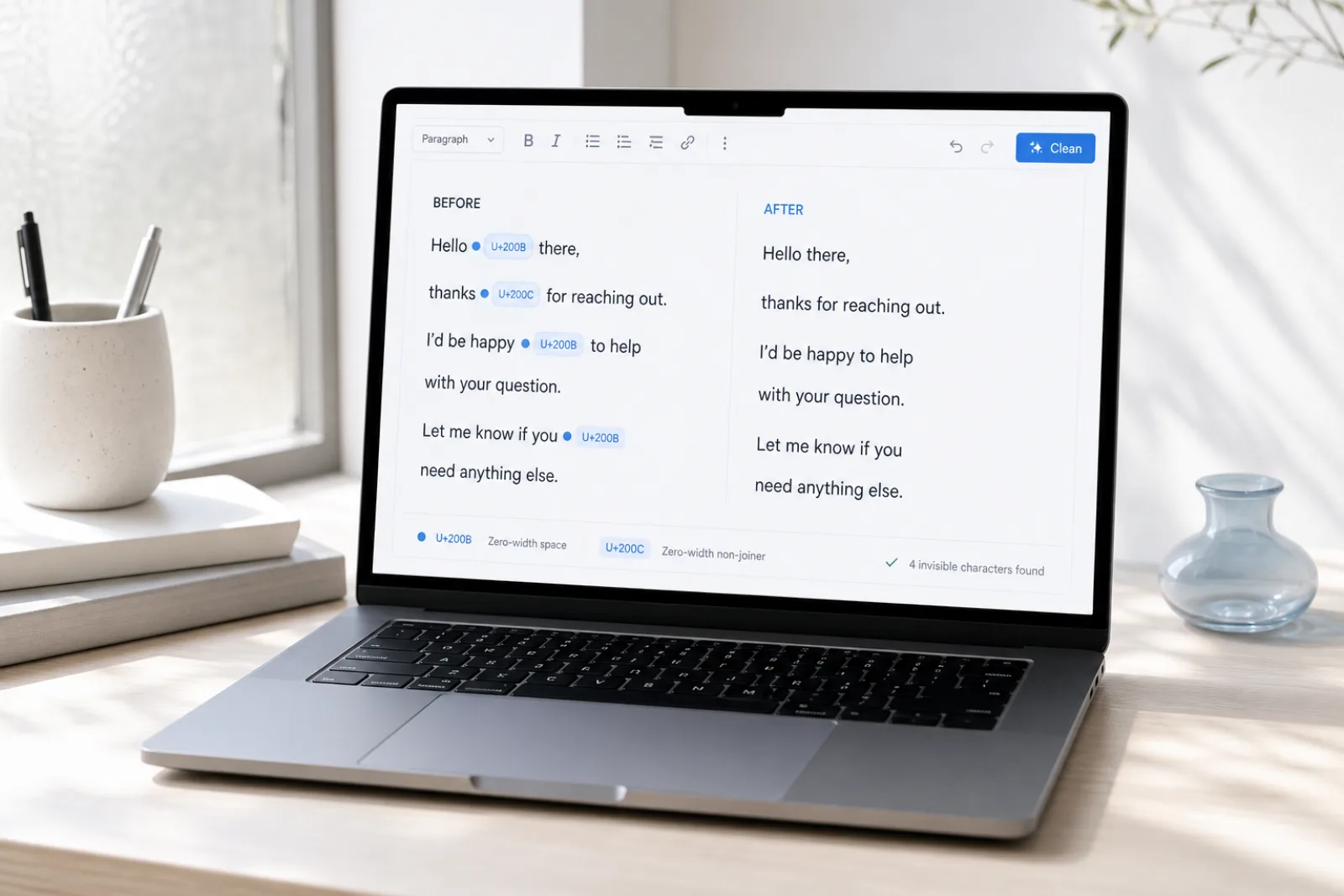
Before3 hidden · Markdown noise
Sure! Here’s a summary​ —
**Key points**
- First item
> Note: important 
AfterVisible text intact
Sure! Here's a summary —

Key points
• First item
Note: important

Two Levels of AI Text Traces: Surface Artifacts vs. Model Phrasing

Sanitize text pasted from AI assistants directly in your browser. Strip 60 invisible Unicode characters and raw Markdown formatting locally for free.

1. Invisible Unicode Code Points & Markdown Syntax

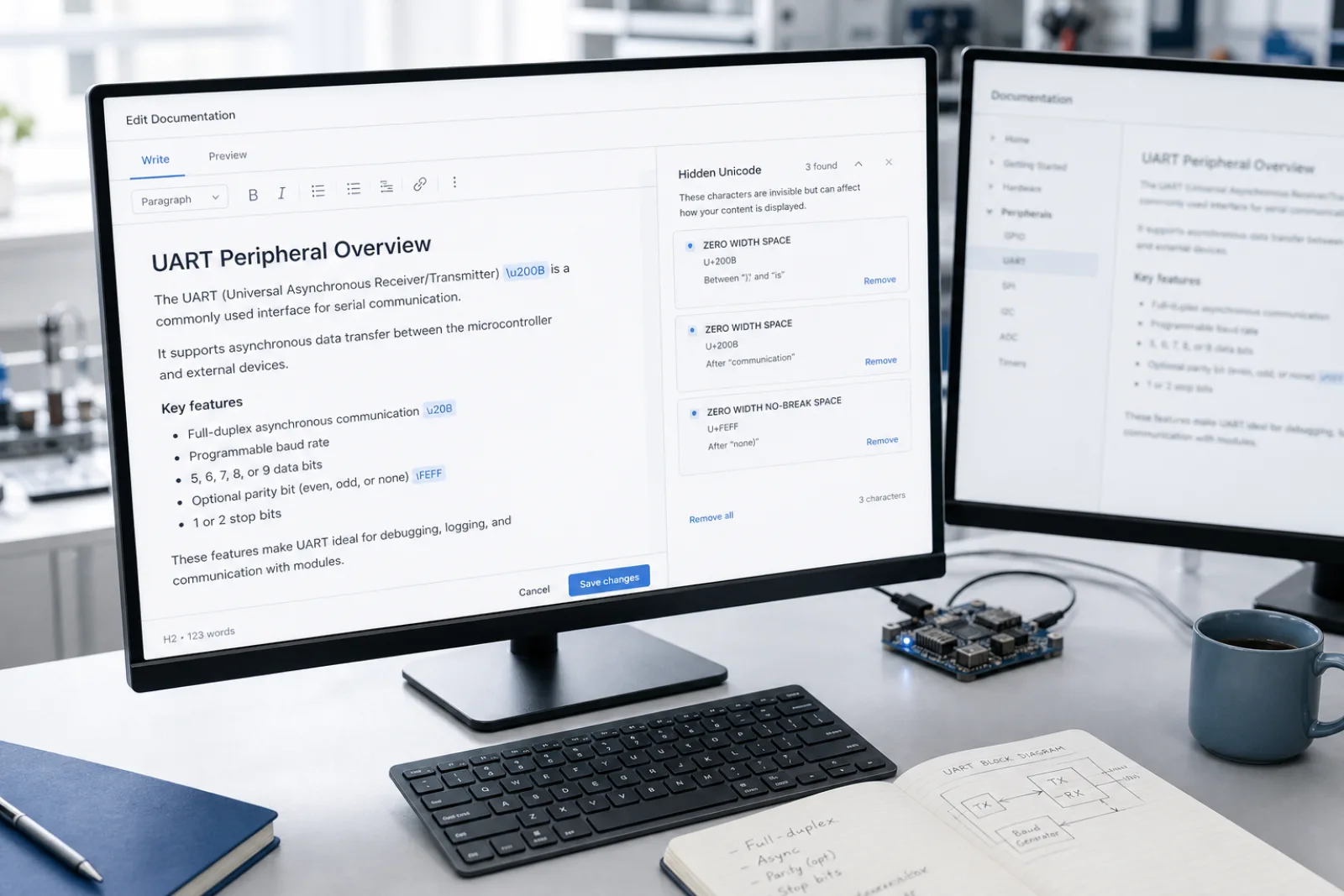
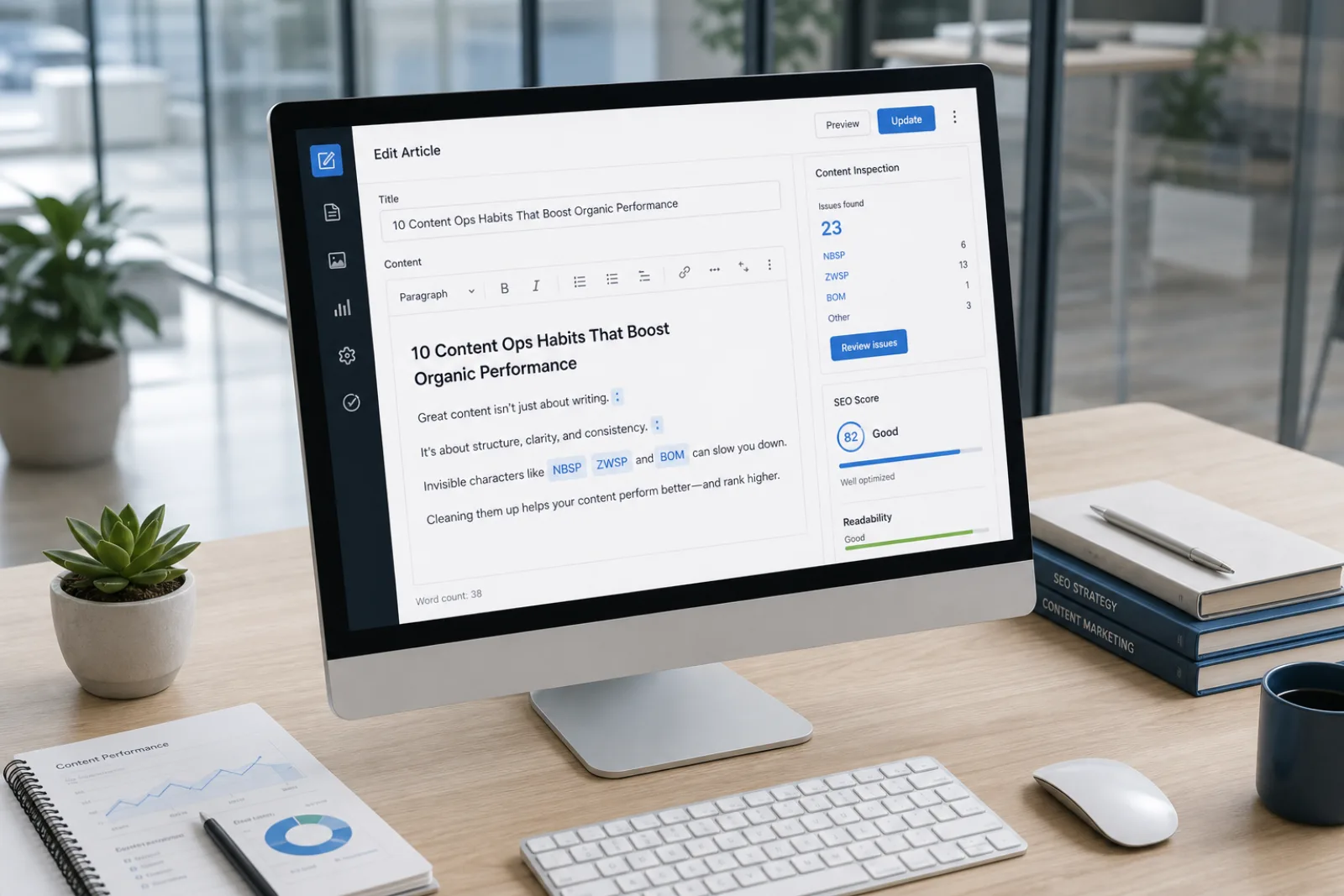
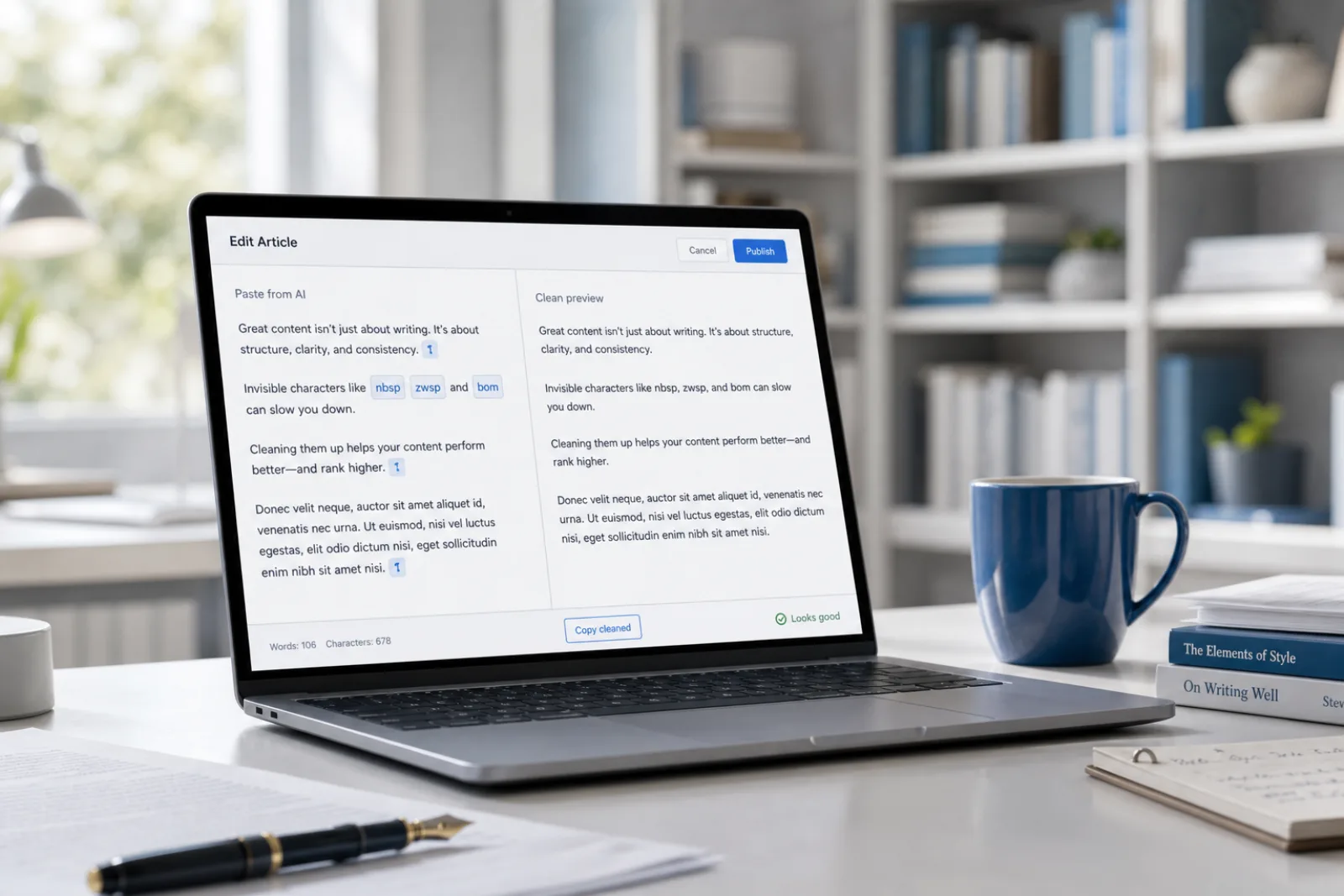
Non-printing characters (such as U+200B zero-width spaces, U+202F narrow spaces, and directional marks) and visual formatting tokens (such as asterisks, header hashes, and code fences). These are deterministic paste artifacts that can be 100% detected and removed locally in your browser without altering your visible words.
2. Predictable Wording Patterns & Semantic Structure

Formulaic transition phrases, repetitive rhetorical cadence, and statistical token distributions characteristic of large language models. Eliminating repetitive wording patterns cannot be accomplished by deleting characters; it requires semantic sentence restructuring via our Pro rewrite engine.

Privacy first

Invisible-character and Markdown cleaning run locally in your browser. We don’t store Free-tool text.

How to Clean AI-Generated Text in 3 Simple Steps

  1. 01

    Step 1: Paste Text into the Workspace

    Paste your draft from any AI assistant into the cleaner. The client-side analyzer instantly scans the text for 60 invisible Unicode characters and identifies raw Markdown formatting tags.

  2. 02

    Step 2: Strip Invisible Characters and Markdown for Free

    Click Clean to delete all detected zero-width characters, normalize non-standard whitespace, and strip formatting markup. The conversion occurs entirely in browser memory with zero network latency.

  3. 03

    Step 3: Copy Clean Text or Apply Pro Rewrite

    Copy your sanitized plain text for publication in your CMS, editor, or database. If your draft also requires stylistic refinement or natural sentence restructuring, you can optionally send it to our Pro rewrite engine.

Core Features of AI Text Cleaner

Invisible character detection

Free

Detects zero-width spaces, NNBSP, BOM, directional marks and 60+ other invisible code points without rewriting your words.

Markdown cleaner

Free

Strip headings, lists, quotes, and emphasis markers into plain text ready for CMS and editorial review.

Text watermark remover

Pro

Pro rewrite regenerates meaning-preserving text when a watermark is baked into wording — not just hidden Unicode.

AI Humanizer

Pro

Rewrite AI flavor into more natural cadence. No tool can guarantee detector bypass; results vary.

Pasted AI Text Hygiene: Why In-Browser Cleaning Matters

01

Drafting content with generative AI assistants like ChatGPT, Claude, Copilot, or Gemini often leaves hidden digital residue on your clipboard. When you copy text from chat interfaces, the clipboard inherits non-printing Unicode control codes, zero-width spaces, and raw Markdown styling tags. Pasting this uncleaned text directly into content management systems, codebases, email campaigns, or databases can cause silent layout glitches and indexing errors. AI Text Cleaner provides an immediate, browser-native workspace to detect and purge these artifacts before publishing.

02

Our free cleaning engine operates entirely within your web browser using client-side JavaScript. Because the parsing happens in local device memory, your proprietary code, confidential business proposals, and draft articles are never uploaded to a remote server for basic formatting cleanup. The scanner inspects your draft against a comprehensive library of 60 invisible Unicode code points, including zero-width spaces (U+200B), narrow no-break spaces (U+202F), and byte-order marks. You can inspect every highlighted anomaly and clean your text with a single click in milliseconds.

03

It is essential to understand the distinction between surface paste artifacts and statistical model watermarks. Hidden Unicode characters and unrendered Markdown fences are mechanical byproducts of web UI rendering and clipboard serialization. In contrast, modern AI watermarking research explores statistical bias in token probability distributions rather than secret character injection. Stripping invisible characters and formatting restores pristine plain text, but adjusting formulaic phrasing requires our optional Pro semantic rewrite.

04

AI Text Watermark Remover maintains a strict standard of technical transparency. Our free AI Text Cleaner is designed for pasted text and does not process uploaded binary documents such as Word (.docx) or PDF files. Furthermore, we explicitly do not claim that character-level cleaning or AI humanizing will bypass third-party AI detectors like Turnitin or GPTZero. Our platform delivers dependable text hygiene and meaning-preserving restructuring without deceptive marketing promises.

Common Use Cases for AI Text Sanitization

AI chat into WordPress
01

AI chat into WordPress

AI Text Cleaner strips invisible Unicode and leftover markdown from assistant paste before it hits a CMS field.

Open the tool
Editorial deskside cleanup
02

Editorial deskside cleanup

Keep the words, drop zero-width marks and chat fences. Optional Pro rewrite is a later choice.

Open the tool
Agency drafts that cannot upload
03

Agency drafts that cannot upload

Free cleaning stays in the browser so client copy is not sent away just to remove clipboard noise.

Open the tool
Docs pasted from an LLM
04

Docs pasted from an LLM

Normalize assistant output for changelogs and internal notes without pretending to score authorship.

Open the tool

What people say

The free scan lists the code points. I clean the paste in the browser, then only use Pro if the wording itself needs a rewrite.

Content ops

SEO & CMS

Markdown from chat was breaking our editor. Stripping hashes and fences locally is the whole job — no file upload.

Editorial

Publishing

Hidden Unicode broke string equality in a parser. Character cleanup first; sentence rewrite is a different layer.

Engineering

Docs & support

Free Local Text Cleaning & Pro Rewriting

Purging invisible Unicode and Markdown is always free in your browser, with Pro rewrite credits available for wording-level restructuring.

See pricing

Transparent Engineering Boundaries and Limitations

AI Text Cleaner is built specifically for text pasted directly into your browser workspace and does not accept uploaded binary files like Word (.docx), Pages, or PDF documents. In addition, stripping invisible characters and Markdown does not alter sentence phrasing, bypass academic or commercial AI detectors, or remove statistical model watermarks. We provide honest text sanitization tools and optional semantic rewriting without exaggerated claims.

AI Text Cleaner Frequently asked questions

What kinds of paste artifacts does AI Text Cleaner remove?+

AI Text Cleaner detects and removes 60 invisible Unicode code points, including zero-width spaces (U+200B), narrow no-break spaces (U+202F), soft hyphens, and byte-order marks. It also strips raw Markdown syntax such as heading hashes, bold asterisks, and code block fences into pristine plain text.

Is my text uploaded to external servers when using AI Text Cleaner?+

No. The invisible character scanning and Markdown stripping processes execute 100% locally inside your web browser using JavaScript. Your pasted draft is never transmitted across the network, stored in a database, or shared with third parties.

Does cleaning invisible characters bypass AI detectors like Turnitin or GPTZero?+

No. Removing hidden characters only purges non-printing Unicode bytes and formatting residue. Automated AI detectors evaluate lexical predictability, perplexity, and sentence entropy rather than invisible characters.

What is the difference between free cleaning and the Pro rewrite tool?+

Free cleaning removes non-printing Unicode characters and Markdown formatting while preserving every visible word exactly as written. The Pro rewrite tool uses server-side AI processing to rephrase repetitive sentence patterns and improve stylistic flow.

Can this tool process uploaded Word documents or PDF files?+

No. AI Text Cleaner is optimized strictly for raw text pasted directly into the browser editor. This design ensures instant processing and complete data privacy without the overhead or security risks of file upload queues.

Can AI Text Cleaner detect official AI watermarks from OpenAI or Anthropic?+

No. Proprietary statistical watermarks operate via token generation math and private cryptographic keys that cannot be inspected through string analysis. AI Text Cleaner inspects observable Unicode code points and markup syntax, not probabilistic sampling marks.

A focused tool for cleaner AI paste

AI Text Watermark Remover maintains a strict standard of technical transparency. Our free AI Text Cleaner is designed for pasted text and does not process uploaded binary documents such as Word (.docx) or PDF files. Furthermore, we explicitly do not claim that character-level cleaning or AI humanizing will bypass third-party AI detectors like Turnitin or GPTZero. Our platform delivers dependable text hygiene and meaning-preserving restructuring without deceptive marketing promises.

Sanitize Your AI Draft Now

Sanitize text pasted from AI assistants directly in your browser. Strip 60 invisible Unicode characters and raw Markdown formatting locally for free.