Headings
# / ## / ### prefixes become plain heading text.
Remove Markdown strips hashes, blockquotes, bullet asterisks, and fences so the paste is plain text for a word processor.
Built for hashes, emphasis markers, fences, and links — the syntax AI chats and docs actually put on the clipboard.
# / ## / ### prefixes become plain heading text.
**bold** and *italic* markers are removed; the words stay.
``` code fences and indented markdown blocks flatten to plain copy.
[label](url) keeps the label text and drops the markdown wrapper.
See it in action
Understand how markdown symbols and styling artifacts are stripped to produce pristine plain text.
Sure! Here’s a summary — **Key points** - First item > Note: important
Sure! Here's a summary —

Key points
• First item
Note: important
Why
Remove Markdown strips hashes, blockquotes, bullet asterisks, and fences so the paste is plain text for a word processor.
# headings, **bold**, ``` fences, []() links, and > quotes copied from chats, READMEs, and docs. Free local strip to plain text.
The words after the tokens are gone. Changing those sentences is optional Pro rewrite, not Markdown deletion.
Invisible-character and Markdown cleaning run locally in your browser. We don’t store Free-tool text.
How
Copy your text from any AI chat interface, rich-text document, or website and paste it into the editor. The tool immediately detects formatting tokens and non-standard markup in your text.
Click Clean to strip all markdown tags, asterisks, brackets, and heading symbols instantly. The process executes entirely inside your local browser memory, producing clean plain text in milliseconds.
Copy the sanitized plain text for your CMS, email editor, or database. If your draft also requires vocabulary adjustments or tone refinement, you can optionally send it to our Pro rewrite engine.
Features
Detects zero-width spaces, NNBSP, BOM, directional marks and 60+ other invisible code points without rewriting your words.
Strip headings, lists, quotes, and emphasis markers into plain text ready for CMS and editorial review.
Pro rewrite regenerates meaning-preserving text when a watermark is baked into wording — not just hidden Unicode.
Rewrite AI flavor into more natural cadence. No tool can guarantee detector bypass; results vary.
Definition
This URL is the verb form of Markdown Cleaner. The tab still deletes CommonMark tokens: heading hashes, >, *, and ``` fences.
Plain formatting means the words survive and the markup does not. It is not an office-HTML flattener—use Remove Formatting from Text for Word/Docs residue.
Stripping markdown does not rewrite sentences and does not remove Claude’s official sampling watermark. Free scan cannot do that.
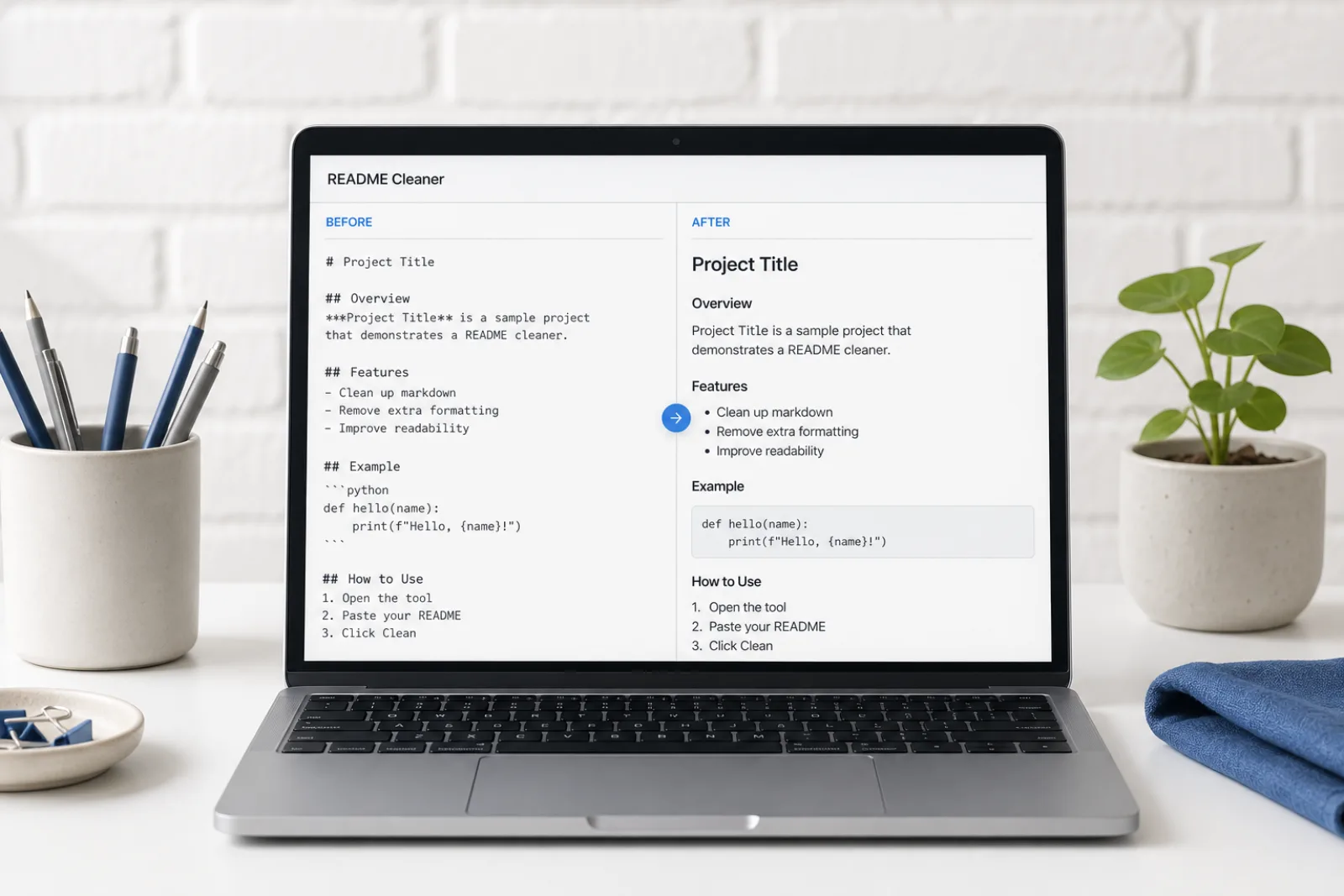
Paste a README or a chat answer, click clean, paste into Word or Google Docs as unstyled text.
Sources
Hidden Unicode, Markdown residue, and Claude’s official statistical watermark are three mechanisms. This page cites the public specs; it does not claim detector bypass.
| Mechanism | What it is | What this site does |
|---|---|---|
| Invisible Unicode | Zero-width and format code points (including U+200B and U+202F) that can ride along in a paste. | Free local scan and delete. Does not rewrite sentences. |
| Markdown / rich-text residue | Hashes, fences, emphasis markers, and copied rich-text spacing. | Free local strip to plain text. |
| Statistical wording watermark | A sampling pattern in word choice. Official Claude text watermarks add no hidden characters. | Pro meaning-preserving rewrite. Not a detector score, not a guarantee. |
“Nothing is added to the text and there are no hidden characters.”
“U+200B ZERO WIDTH SPACE is intended for line break control without displaying a visible space.”
Markdown tokens follow the CommonMark specification: CommonMark spec.
Use cases
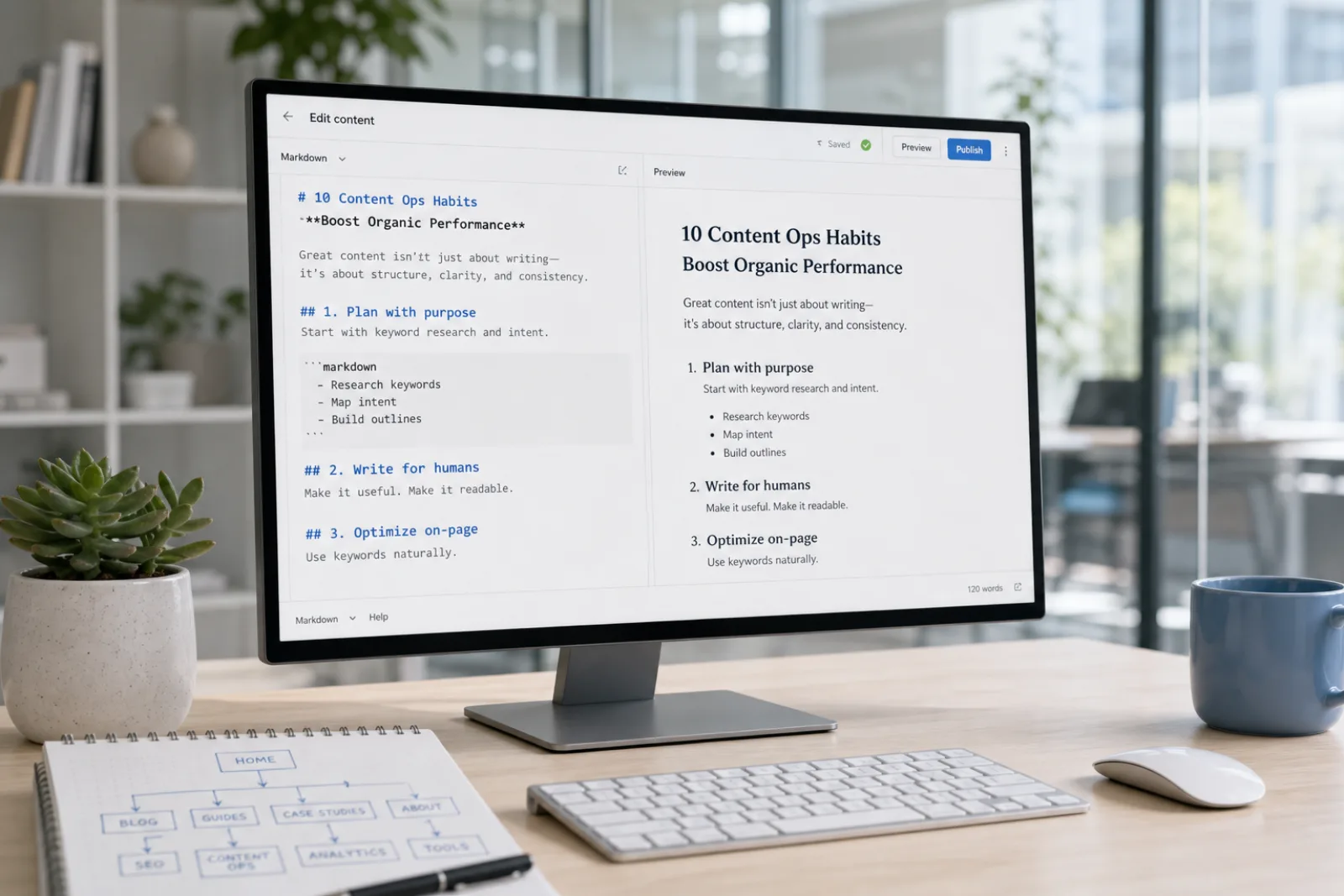
Paste a README or a chat answer, click clean, paste into Word or Google Docs as unstyled text.
Open the tool →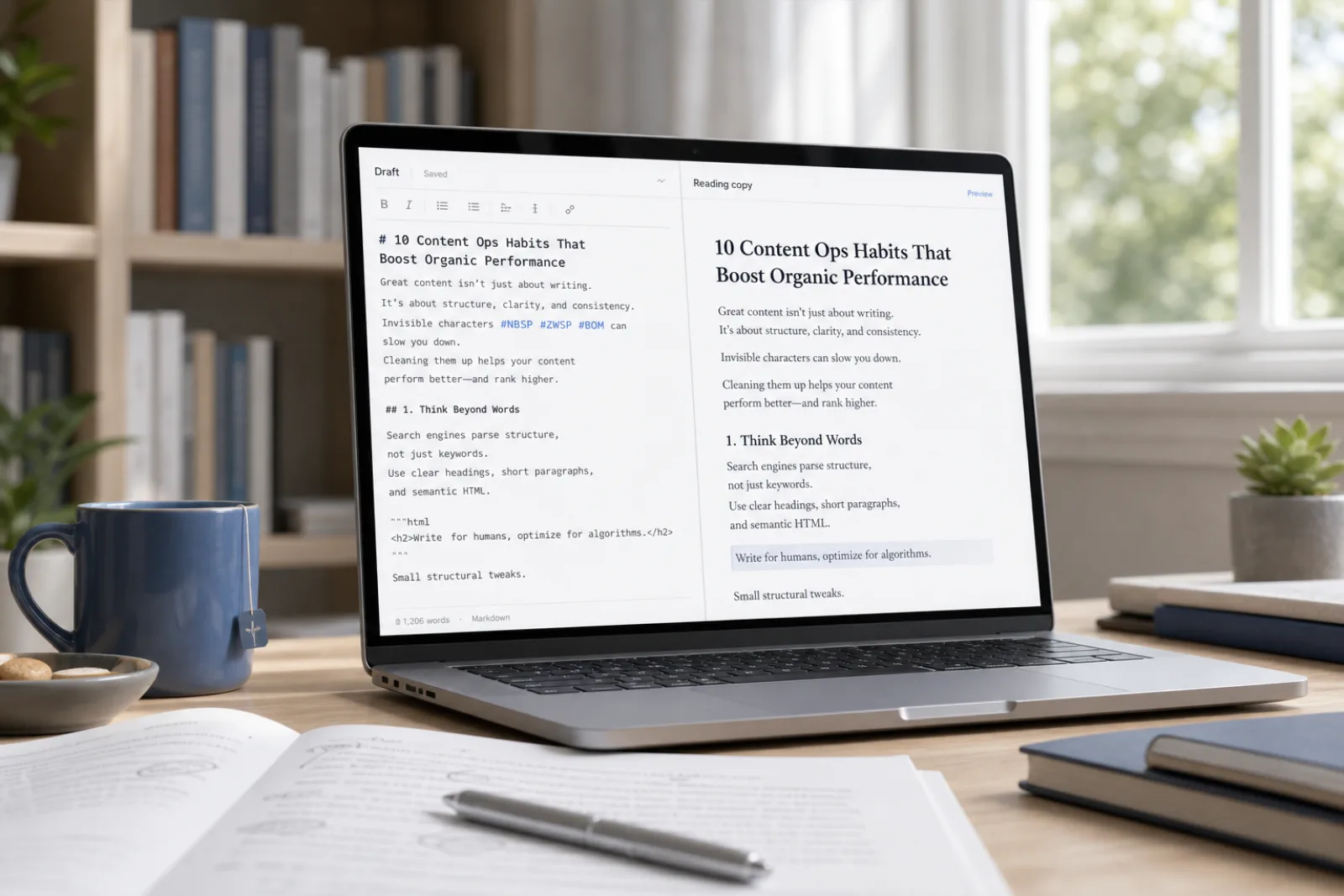
Plain formatting means the words survive and the markup does not. It is not an office-HTML flattener—use Remove Formatting from Text for Word/Docs residue.
Open the tool →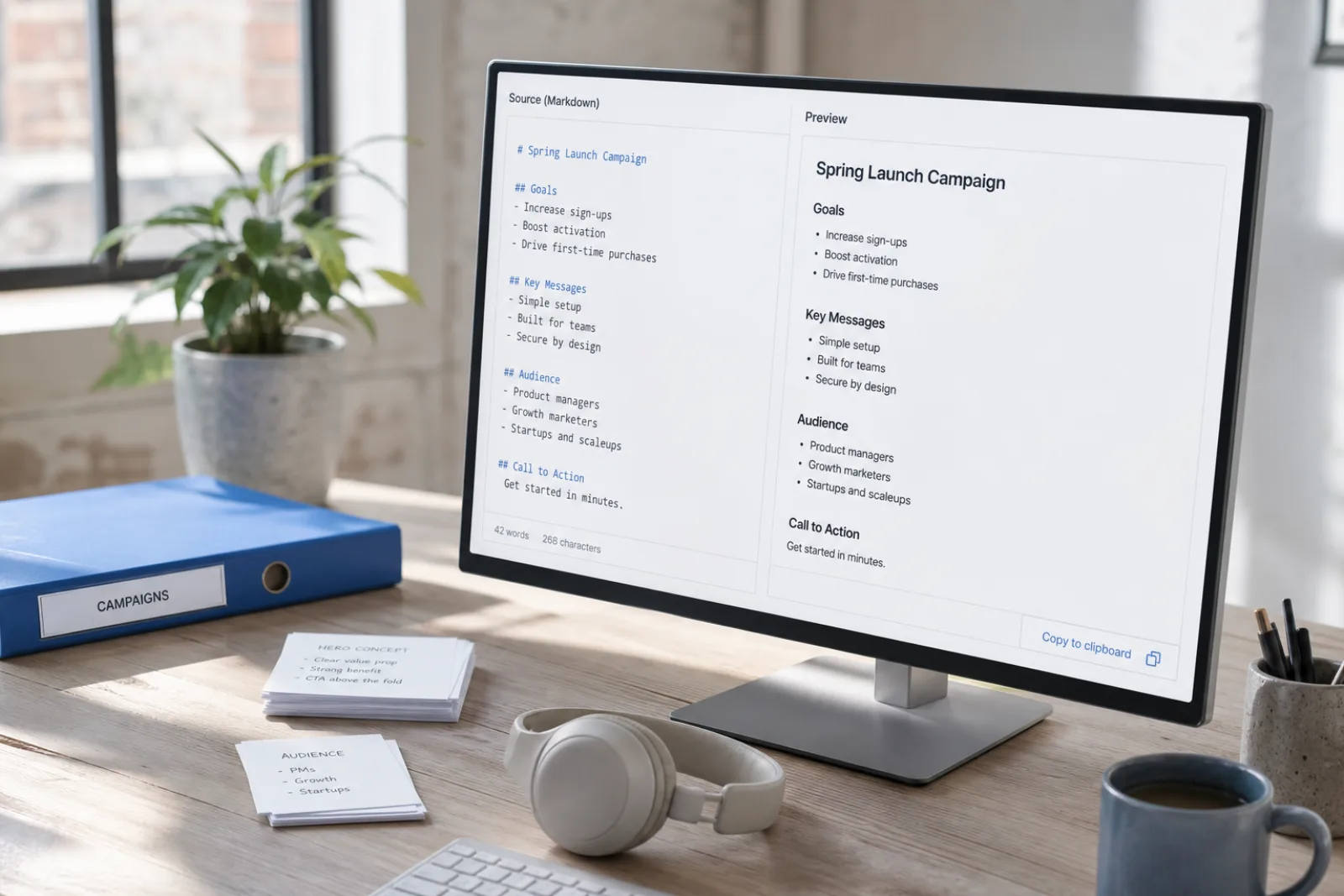
Heading hashtags, blockquotes, bullet asterisks, and code fences, plus the usual CommonMark wrappers the cleaner already handles.
Open the tool →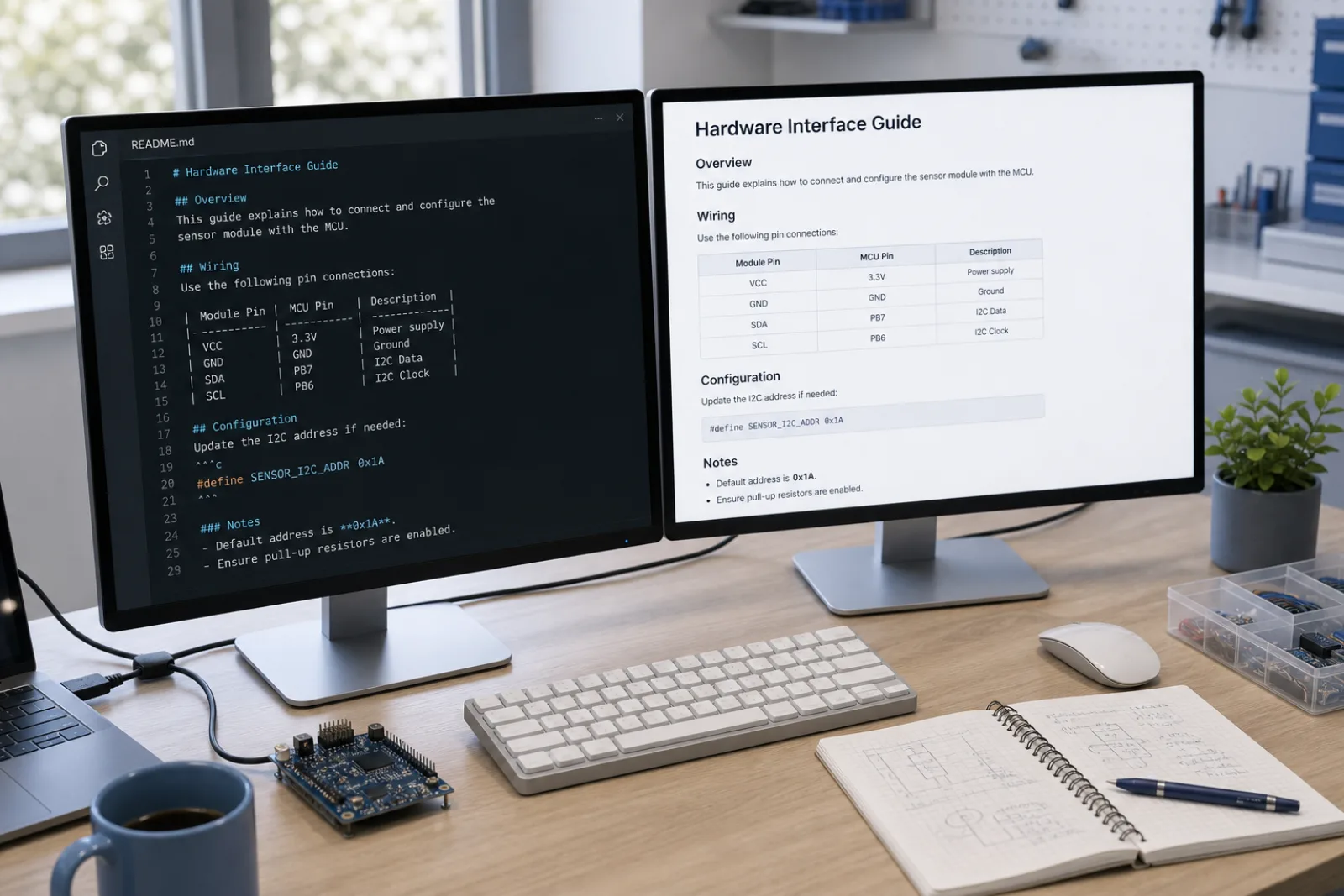
Fence markers are stripped; the code lines remain as plain text unless you rewrite.
Open the tool →Testimonials
“The free scan lists the code points. I clean the paste in the browser, then only use Pro if the wording itself needs a rewrite.”
Content ops
SEO & CMS
“Markdown from chat was breaking our editor. Stripping hashes and fences locally is the whole job — no file upload.”
Editorial
Publishing
“Hidden Unicode broke string equality in a parser. Character cleanup first; sentence rewrite is a different layer.”
Engineering
Docs & support
Tools
Dedicated landing pages for the searches people actually type.
Strip markdown syntax, bolding asterisks, headers, and code fences from pasted text directly in your browser without uploading files.
Markdown Cleaner →Strip markdown syntax, bolding asterisks, headers, and code fences from pasted text directly in your browser without uploading files.
Remove Formatting →Sanitize text copied from ChatGPT in your browser. Remove U+202F narrow no-break spaces, 60 invisible Unicode characters, and raw Markdown formatting locally for free.
ChatGPT Cleaner →Pricing
Stripping formatting and markdown is always free in your browser, with Pro rewrite credits available for wording-level adjustments.
See pricingMarkdown Cleaner is designed exclusively for text pasted into your browser and does not support uploading binary files like Word (.docx), Pages, or PDF documents. In addition, stripping markdown symbols does not alter underlying sentence wording, bypass third-party AI detectors, or remove statistical AI model watermarks. We provide honest, transparent text utilities without exaggerated marketing claims.
FAQ
Heading hashtags, blockquotes, bullet asterisks, and code fences, plus the usual CommonMark wrappers the cleaner already handles.
Line breaks you typed should remain. The tool removes markup, not your outline.
No. That is the remove-formatting-from-text lander. This page is markdown tokens.
No. Markup is not what those systems score. We do not promise Turnitin or GPTZero results.
Paste the text. Binary uploads are not this tool.
Fence markers are stripped; the code lines remain as plain text unless you rewrite.
About us
Paste a README or a chat answer, click clean, paste into Word or Google Docs as unstyled text.
Remove Markdown strips hashes, blockquotes, bullet asterisks, and fences so the paste is plain text for a word processor.