30:00:00
Today Only
50% OFF

Academic Humanizer

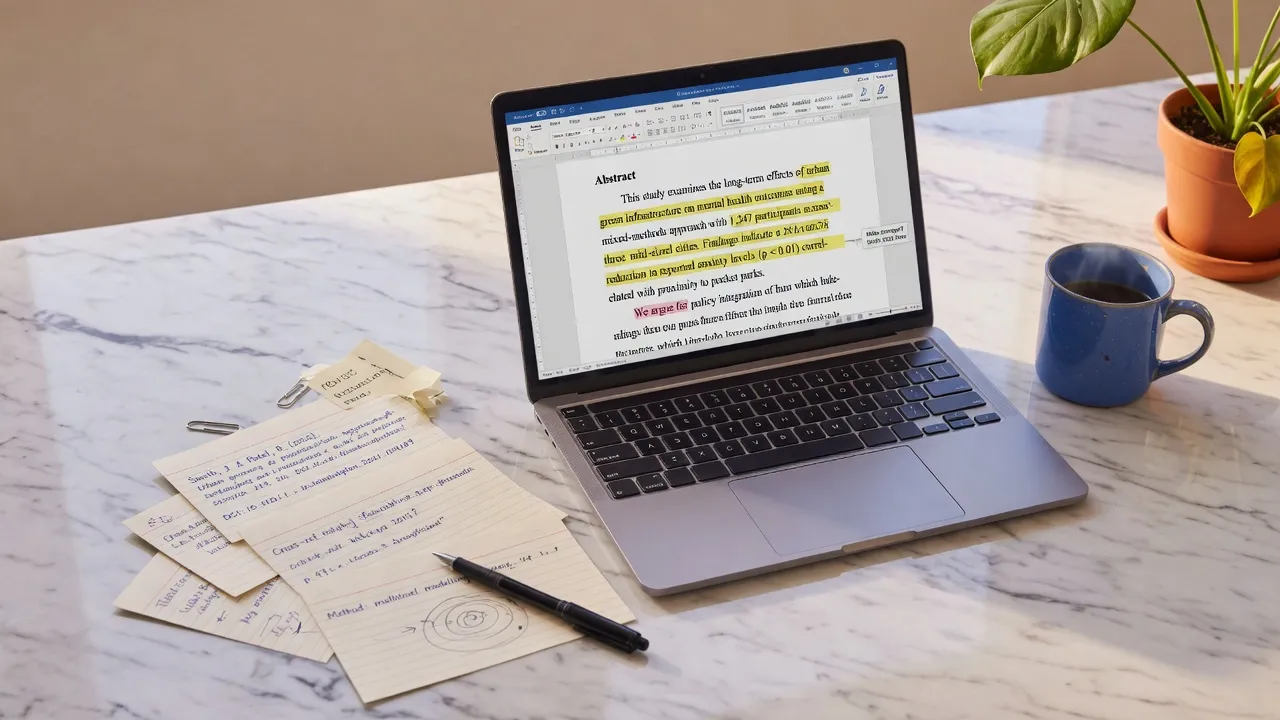
Polish stiff AI-assisted scholarly drafts into clear, articulate academic prose. Refine sentence variety, scholarly tone, and reading flow while keeping your original references, equations, and technical core intact.

0 characters · 0 wordsFree trial: 0/500 words
Available: Cost / 1000 words: 10
Works with paste fromClaudeChatGPTGeminiDocsCMSEmail

Explore Related Writing and Cleanup Tools

Select the appropriate utility based on your document's needs.

Explore Related Writing and Cleanup Tools
Before3 hidden · Markdown noise
Sure! Here’s a summary​ —
**Key points**
- First item
> Note: important 
AfterVisible text intact
Sure! Here's a summary —

Key points
• First item
Note: important

Two Distinct Processing Modes for Academic Text

Polish stiff AI-assisted scholarly drafts into clear, articulate academic prose. Refine sentence variety, scholarly tone, and reading flow while keeping your original references, equations, and technical core intact.

Local Surface Formatting & Artifact Removal

Operates entirely inside your browser for instant performance. Strips invisible zero-width Unicode characters, normalizes irregular spacing, cleans up copy-paste code artifacts, and removes leftover Markdown formatting. Ideal for preparing clean plain text, though it does not modify tone, syntax, or readability.
Pro AI Academic Humanizer & Tone Refinement

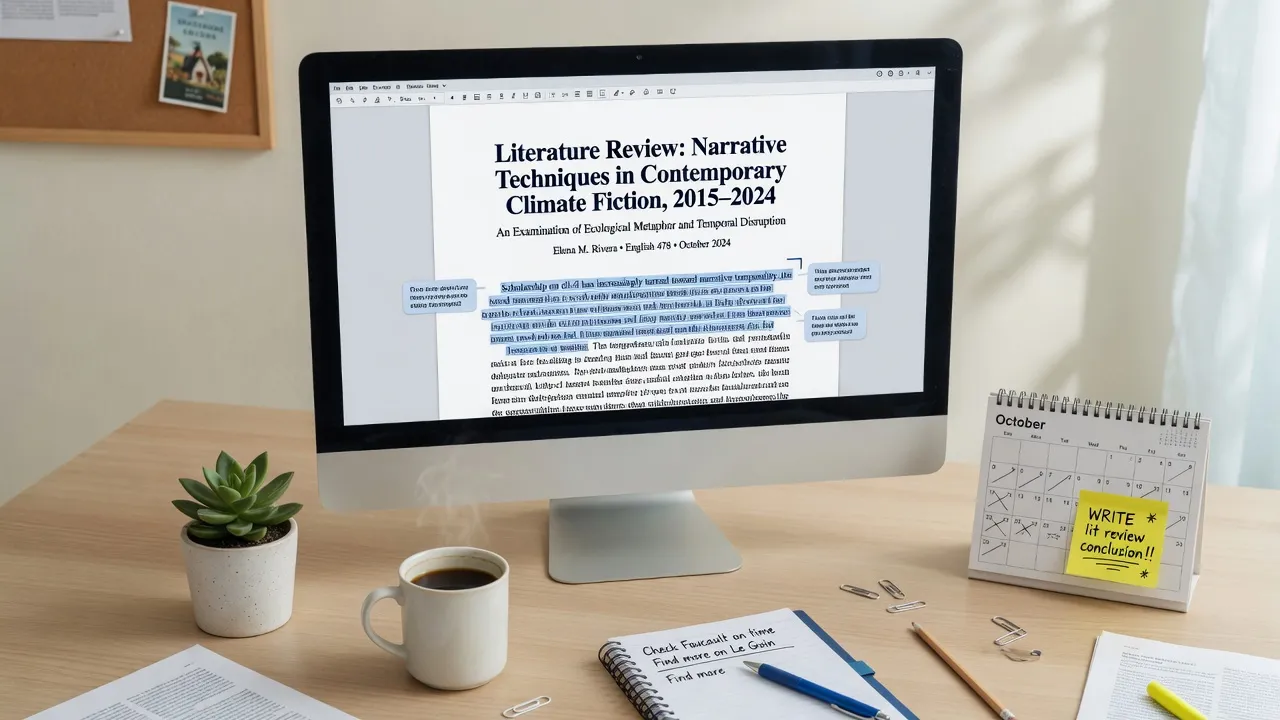
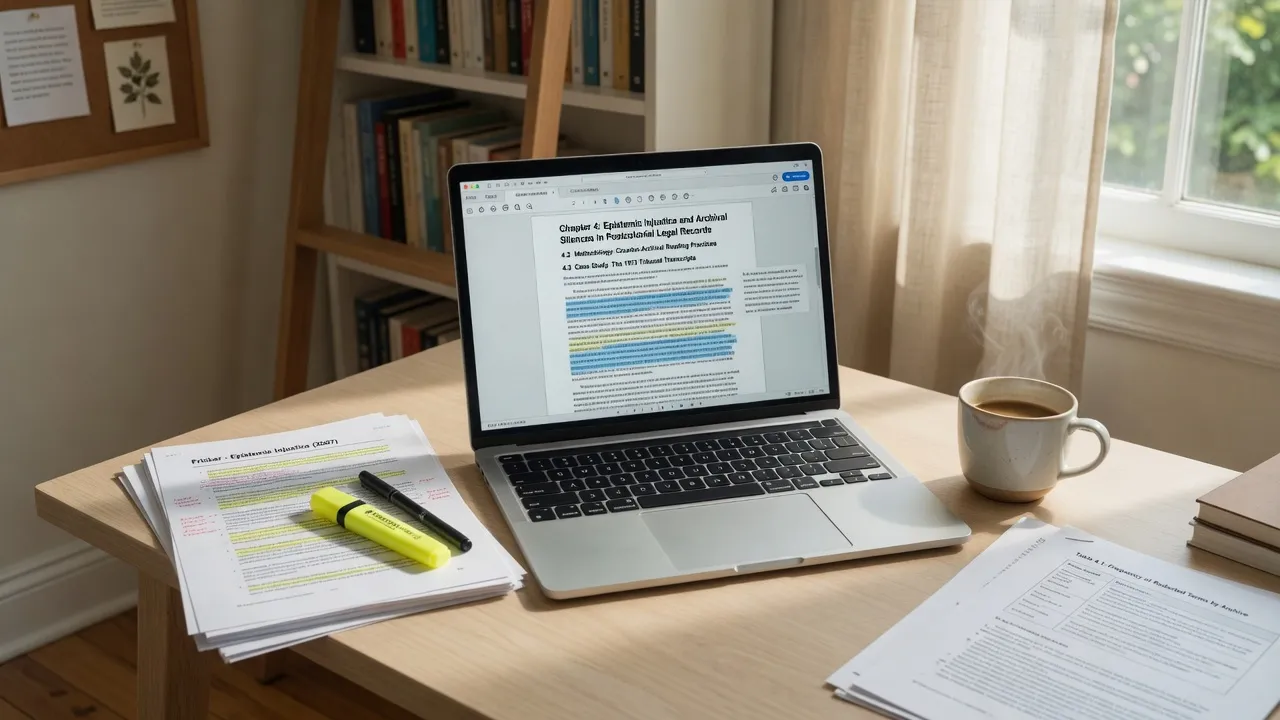
Powered by advanced neural rewriting engines via the server API. Deeply restructures repetitive syntax, varies sentence length, smooths transitions, and enhances vocabulary elegance for scholarly writing. Guest users may test up to 500 Pro words free, while longer documents require account login and credits (10 credits per 1,000 Pro words).

Privacy first

Invisible-character and Markdown cleaning run locally in your browser. We don’t store Free-tool text.

How to Refine Your Academic Paper Step by Step

  1. 01

    Step 1: Paste Your Scholarly Draft

    Copy your manuscript section, literature review, abstract, or methodology chapter into the main editor. Ensure all citation markers and mathematical variables are clearly included.

  2. 02

    Step 2: Choose Surface Clean or Pro Rewrite

    Use the free local cleaner to strip hidden Unicode spaces and formatting clutter, or select the Pro AI Humanizer tab to restructure repetitive patterns into articulate academic prose.

  3. 03

    Step 3: Review and Verify Research Integrity

    Compare the revised output side-by-side with your original text. Verify that technical terminology, citations, data points, and logical arguments are fully preserved before export.

Core Capabilities of Academic Humanizer

Invisible character detection

Free

Detects zero-width spaces, NNBSP, BOM, directional marks and 60+ other invisible code points without rewriting your words.

Markdown cleaner

Free

Strip headings, lists, quotes, and emphasis markers into plain text ready for CMS and editorial review.

Text watermark remover

Pro

Pro rewrite regenerates meaning-preserving text when a watermark is baked into wording — not just hidden Unicode.

AI Humanizer

Pro

Rewrite AI flavor into more natural cadence. No tool can guarantee detector bypass; results vary.

Why Academic Drafts Need Specialized Tone & Structure Refinement

01

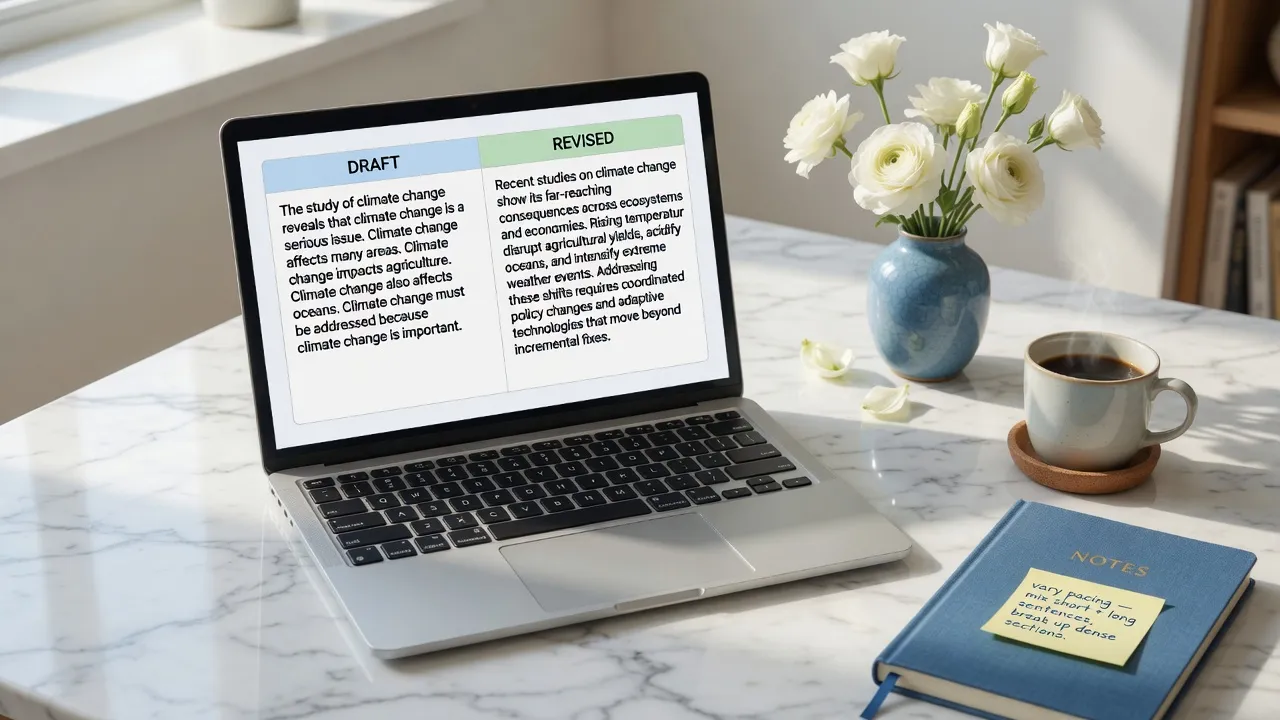
Academic writing requires a delicate balance between formal rigor and smooth readability. Drafts generated or assisted by large language models often display repetitive syntactical templates, overly uniform sentence lengths, and predictable transition markers such as 'furthermore', 'it is important to note', or 'in conclusion'. While these markers make the text sound superficially formal, they can make research papers feel monotonous, robotic, and difficult to review. An academic humanizer focuses on breaking these stiff structural habits by varying clause structures, tightening passive constructions, and recalibrating vocabulary to sound like natural scholarly prose.

02

It is essential to distinguish between surface text cleanup and true prose humanization. Free local utility tools excel at stripping hidden zero-width spaces, removing invisible Unicode artifacts, and stripping raw Markdown tags. However, surface utility tools do not alter the underlying wording, sentence cadence, or stylistic rhythm of your draft. To elevate repetitive AI-assisted drafts into polished academic papers, the Pro AI Humanizer rewrites the text using dynamic phrase structure while preserving original research content, core terminology, citation anchors, and numerical values.

03

Academic integrity and factual accuracy are paramount when preparing scholarly papers, literature reviews, or grant proposals. The Pro AI Humanizer is engineered to preserve your original argument structure, logic, and factual claims without introducing speculative assertions or hallucinated citations. It adjusts vocabulary precision and sentence flow so your ideas are communicated with clarity and authorial confidence. We explicitly recommend conducting a thorough manual review after humanizing to verify that specialized jargon, citation placements, and field-specific formulas retain their precise technical context.

04

We uphold a strict policy of transparency regarding AI detection technologies and institutional policies. The Academic Humanizer is designed purely as an editing and stylistic refinement assistant for scholars, student researchers, and academic writers. It does not claim 100% removal of AI footprints, nor does it guarantee passing Turnitin, GPTZero, Pangram, or institutional AI detector reviews. Humanizer can be used on academic drafts, but we do not guarantee it will pass review or detectors. Responsible academic use involves using this tool as an editorial instrument to enhance clarity and readability before final submission.

How the three paste traces differ

Hidden Unicode, Markdown residue, and Claude’s official statistical watermark are three mechanisms. This page cites the public specs; it does not claim detector bypass.

MechanismWhat it isWhat this site does
Invisible UnicodeZero-width and format code points (including U+200B and U+202F) that can ride along in a paste.Free local scan and delete. Does not rewrite sentences.
Markdown / rich-text residueHashes, fences, emphasis markers, and copied rich-text spacing.Free local strip to plain text.
Statistical wording watermarkA sampling pattern in word choice. Official Claude text watermarks add no hidden characters.Pro meaning-preserving rewrite. Not a detector score, not a guarantee.

Nothing is added to the text and there are no hidden characters.

U+200B ZERO WIDTH SPACE is intended for line break control without displaying a visible space.

Markdown tokens follow the CommonMark specification: CommonMark spec.

Academic Writing Use Cases

Thesis Chapters & Abstracts
01

Thesis Chapters & Abstracts

Transform dense, formulaic AI draft chapters into elegant, publication-ready academic abstracts and thesis introduction sections.

Open the tool
Literature Reviews
02

Literature Reviews

Smooth out repetitive synthesis paragraphs, improve citation transitions, and remove artificial filler phrases from literature reviews.

Open the tool
Seminar Papers & Journal Submissions
03

Seminar Papers & Journal Submissions

Refine complex arguments, vary clause lengths, and polish research methodology sections for higher editorial clarity.

Open the tool
Research Proposals & Grant Applications
04

Research Proposals & Grant Applications

Elevate project summaries and impact statements with natural authorial cadence and precise formal vocabulary.

Open the tool

What people say

The free scan lists the code points. I clean the paste in the browser, then only use Pro if the wording itself needs a rewrite.

Content ops

SEO & CMS

Markdown from chat was breaking our editor. Stripping hashes and fences locally is the whole job — no file upload.

Editorial

Publishing

Hidden Unicode broke string equality in a parser. Character cleanup first; sentence rewrite is a different layer.

Engineering

Docs & support

Transparent Credit-Based Pricing for Researchers

Clean surface formatting is always free. Upgrade to Pro credits for deep prose restructuring.

See pricing

Responsible Use and Ethical Boundaries

This tool is built for ethical research writing, language polishing, and editorial refinement. It is an independent utility and is not affiliated with, endorsed by, or integrated with Anthropic, OpenAI, Google, or Turnitin. We do not support academic dishonesty or deceptive practices. Users remain fully responsible for complying with their institution's guidelines, ethical standards, and publication requirements.

Academic Humanizer Frequently asked questions

What is an academic humanizer?+

An academic humanizer is a specialized writing and editing tool designed to transform stiff, repetitive, or artificially generated research drafts into fluent, natural scholarly prose. It refines sentence structures, eliminates robotic transition phrases, and improves overall cadence while preserving key citations, research data, and technical vocabulary.

Does this pass Turnitin or other AI detectors?+

No. We explicitly do not guarantee passing Turnitin, GPTZero, Pangram, or any institutional AI detector or review committee. The Academic Humanizer is an editorial refinement tool designed to enhance sentence flow and clarity. Humanizer can be used on academic drafts, but we do not guarantee it will pass review or detectors.

What is the difference between local formatting cleanup and Pro humanizing?+

Local surface formatting cleanup runs free in your browser to remove invisible Unicode characters, zero-width spaces, and unwanted Markdown tags without altering your words. The Pro AI Humanizer runs on our server engine to actively rewrite stiff sentence structures, adjust tone, and elevate readability for academic manuscripts.

Will the humanizer alter my citations, data, or technical terms?+

The rewriting engine is tuned to preserve citation anchors (such as APA, MLA, or IEEE references), numerical data, and specialized domain jargon. However, because academic fields vary widely, we strongly advise authors to review the output line-by-line to ensure absolute precision prior to publication.

How does the usage quota and pricing work for academic drafts?+

Guest users can test the Pro AI Humanizer for up to 500 words free without signing up. For longer essays, literature reviews, or thesis chapters, users can log in and purchase credits. 10 credits cover 1,000 Pro rewritten words. Local surface formatting cleanup remains completely free and unlimited.

How is this tool different from official Claude statistical watermarks?+

Removing official statistical text watermarks (such as cryptographic header/payload artifacts generated by model watermarking schemes) is a separate technical task performed by our dedicated Text Watermark Remover tool. The Academic Humanizer focuses exclusively on prose style, rhythm, and sentence restructuring.

A focused tool for cleaner AI paste

We uphold a strict policy of transparency regarding AI detection technologies and institutional policies. The Academic Humanizer is designed purely as an editing and stylistic refinement assistant for scholars, student researchers, and academic writers. It does not claim 100% removal of AI footprints, nor does it guarantee passing Turnitin, GPTZero, Pangram, or institutional AI detector reviews. Humanizer can be used on academic drafts, but we do not guarantee it will pass review or detectors. Responsible academic use involves using this tool as an editorial instrument to enhance clarity and readability before final submission.

Start Refining Academic Prose

Polish stiff AI-assisted scholarly drafts into clear, articulate academic prose. Refine sentence variety, scholarly tone, and reading flow while keeping your original references, equations, and technical core intact.