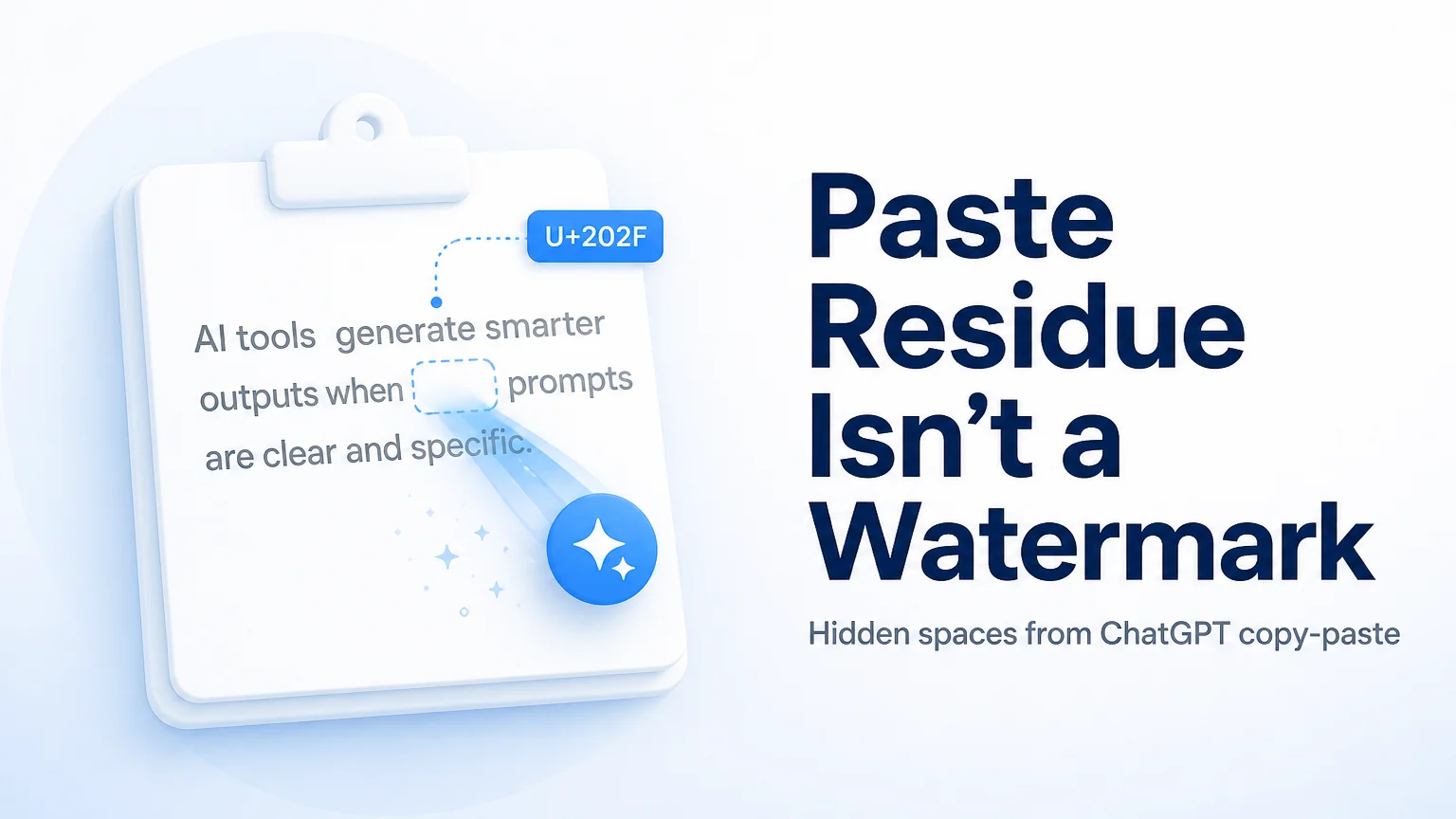
You pasted a draft from an AI assistant into WordPress, hit save, and noticed that the URL slug contains an unexpected %E2%80%8B string right in the middle of a keyword. The post title looks normal at first glance, but it wraps awkwardly on mobile screens, and your SEO plugin insists your meta description is 25 characters longer than the text you actually see on screen. You did not type any hidden formatting marks, but the clipboard copy operation quietly carried invisible Unicode characters directly into your CMS fields.
When invisible characters breaking WordPress paste issues occur, the problem usually concentrates in four specific places: the post title, the permalink slug, the excerpt, and the plugin meta boxes. You do not need to install untested database plugins or rebuild your database to resolve this. By identifying the exact Unicode code points causing the issue and stripping them in your browser before saving, you can clean your content workflow without transmitting private drafts to third-party servers.
The first ten minutes: what to check before touching your database
When a WordPress post suddenly behaves strangely after pasting new copy, your immediate reaction might be to suspect a broken theme update or a database encoding error. In most editorial environments, the root cause is much simpler: invisible clipboard artifacts transferred during copy-paste actions from web chat interfaces or rich-text applications.
Consider a concrete scenario. Sarah, a content marketing manager at a B2B SaaS startup, was preparing a 2,400-word product comparison guide for publication. She copied a revised section from an AI drafting assistant directly into the WordPress Gutenberg editor fifteen minutes before a scheduled email blast. When she clicked Publish, the post URL generated as example.com/best-cloud-storage%e2%80%8b-tools/. When she shared the link in a team Slack channel, the link preview failed to generate, and clicking the link produced a 404 error on certain mobile browsers that decoded the percent-encoded byte differently from the web server.
In those first ten minutes of troubleshooting, knowing what not to do is just as important as knowing what to fix:
- Do not run bulk SQL
REPLACE()queries on yourwp_poststable without a full database backup. Modifying post content directly in MySQL risks corrupting serialized data arrays used by page builders. - Do not deactivate your core SEO plugins in a panic. The plugin is not generating the phantom characters; it is merely reporting the raw byte count of what is currently stored in the input buffer.
- Do not re-type the entire 2,000-word article by hand. You only need to sanitize the text strings across the affected fields.
Instead, open the post settings sidebar in WordPress, inspect the raw text inside the URL Slug input box, and verify whether the cursor jumps or skips over invisible positions when you move it with your arrow keys. If the cursor requires two right-arrow key presses to move past a single visual space, an invisible zero-width character is sitting between those words.
Where wordPress breaks: a field-by-field breakdown
WordPress handles standard UTF-8 text reliably, but its automated sanitization routines and third-party plugin integrations handle non-printing Unicode characters inconsistently. Different input fields fail in distinct ways when invisible characters are present.
The post title and h1 tags
When you paste text containing zero-width spaces (U+200B) or narrow no-break spaces (U+202F) into the main title field, WordPress renders the text visually without warning. However, these code points can disrupt typography engines on frontend themes. A zero-width space gives the browser an allowable line-break point where none was intended, causing words to split in the middle on narrow mobile viewports. Furthermore, internal search queries in WordPress match exact character sequences; a user searching for cloud storage will not match a title stored in the database as cloud[U+200B]storage.
Permalinks and uRL slugs
The WordPress core function sanitize_title() converts spaces to hyphens and strips illegal URL characters. However, certain zero-width formatting characters pass through sanitization without being removed or converted to hyphens. When WordPress writes the permalink to the database, the zero-width character is stored as a raw UTF-8 sequence (three bytes: 0xE2 0x80 0x8B). When accessed via a web browser or RSS feed reader, the URL is encoded into %E2%80%8B. If a user copies the clean-looking URL from a browser address bar and pastes it into social media or an email client, the link may resolve as a 404 error if the web server configuration normalizes percent-encoded control codes before routing.
SEO plugin meta description and title boxes
Plugins like Yoast SEO, Rank Math, and All in One SEO provide real-time character and pixel counters to help writers keep search snippets within Google limits. These counters read the JavaScript string length directly from the input DOM. Because invisible characters occupy string index positions (and surrogate pairs occupy two code units), the character counter will report that your 155-character meta description is 180 characters long. Writers frequently waste time deleting valuable descriptive words to satisfy a plugin counter that is misreading phantom bytes.
Excerpts and automated feeds
When WordPress automatically generates post excerpts by trimming the first 55 words of post content, an invisible character near the trim boundary can split a multi-byte sequence or leave dangling control codes. In RSS XML feeds and Apple News feeds, unescaped control characters can cause feed validation errors, stopping syndicated content from reaching subscribers.
| CMS Field | Common Culprit Character | Observed Symptom | Immediate Remediation |
|---|---|---|---|
| Permalink Slug | U+200B (Zero Width Space) | URLs show %E2%80%8B or throw 404 redirects on social shares | Delete slug, paste sanitized text, update redirects |
| Post Title / H1 | U+202F (Narrow No-Break Space) | Unexpected mid-word line wrapping on mobile devices | Strip code points using browser sanitizer before saving |
| SEO Meta Description | U+FEFF (Byte Order Mark) | Character counter reports false length overages | Inspect string length in clean plain-text buffer |
| Post Excerpt / RSS | U+00AD (Soft Hyphen) | XML feed validation failure or truncated feed items | Run markdown/plain-text cleaner on excerpt field |
| Gutenberg Text Blocks | U+200C / U+200D (ZWNJ / ZWJ) | Cursor sticks when navigating with arrow keys | Convert to clean plain text or re-paste as plain text |
Who influences the fix: what coworkers, plugins, and reddit get wrong
When a publishing workflow breaks, content editors receive advice from various directions, including developers, SEO consultants, and community forums. Much of this advice is well-intentioned but ill-suited to daily editorial operations.
The developer suggestion: custom regex filters in functions.php
When you report the broken slug issue to your engineering team, a developer might offer to add a PHP filter hook into your theme functions.php file, such as hooking into wp_insert_post_data with a regular expression like preg_replace('/[^\x20-\x7E]/', '', $content). While this brute-force approach strips invisible characters, it also strips legitimate multi-byte characters. If your site publishes content in multiple languages, quotes French terms with accented vowels, uses mathematical symbols, or incorporates emojis, a broad ASCII-only regex filter will destroy those characters across your entire site.
The sEO consultant claim: algorithm penalties
If you ask an external SEO consultant why your newly published page is taking longer to rank, they may point to the %E2%80%8B in your URL and claim that Google has applied a specific algorithmic penalty against your page for containing machine artifacts. This is an overstatement. Google does not maintain a penalty flag specifically for zero-width spaces in URLs. The actual ranking risk is operational: broken URLs result in 404 errors, loss of backlink equity when third parties copy the corrupted link, and failed social graph cards that reduce click-through rates. Treating it as a search engine penalty distracts from fixing the underlying publishing hygiene.
The reddit forum advice: installing abandoned cleanup plugins
Searching Reddit or WordPress support forums for solutions often leads to recommendations for plugins created a decade ago that claim to sanitize database text. Installing unmaintained plugins on a modern WordPress installation introduces security vulnerabilities and database bloat. Furthermore, server-side database cleanup plugins only act after the corrupted text has already entered your database. The cleanest approach is to intercept and sanitize the text before it reaches WordPress.
Where to verify hidden characters without guessing
Before you can fix invisible characters, you must confirm their presence and understand which code points are in your text. You do not need expensive software to inspect your clipboard contents.
Inspecting characters in browser developer tools
You can verify the exact composition of a suspicious string directly in your browser console:
- Copy the title or slug from your WordPress editor.
- Open Chrome DevTools or Firefox Developer Tools (press F12 or right-click and select Inspect).
- Switch to the Console tab.
- Type
encodeURIComponent("paste your string here")and press Enter.
If the string contains clean ASCII text, the console will output standard text with spaces represented as %20. If an invisible character is present, you will immediately see sequences like %E2%80%8B (Zero Width Space) or %E2%80%AF (Narrow No-Break Space).
You can also iterate over the string using JavaScript to display each character's hexadecimal Unicode point:
Array.from("paste your string here").map(c => c.codePointAt(0).toString(16));Any code point falling in the 2000 to 206F range represents general punctuation or formatting spaces defined in the Unicode Character Database.
Using dedicated local cleaning tools
For editorial teams who do not want to run console scripts for every article, you can pass drafts through a dedicated invisible character remover or check them with an AI text watermark detector. These tools identify roughly 60 curated Unicode format marks, zero-width characters, and non-standard whitespace code points. Because they run entirely within client-side JavaScript in your browser, your draft content remains confidential and is not uploaded to an external server.
For a detailed technical breakdown of why specific web interfaces insert code points like U+202F during copy events, read our ChatGPT paste hidden characters analysis.
What to ask your team before standardizing a publishing workflow
Preventing invisible character corruption across a publication requires clear standards rather than individual troubleshooting after the fact.
Consider a second real-world scenario. Marcus manages an editorial team of six freelance writers and two in-house copy editors for a digital publication. The team produces roughly forty articles per month. After several published articles exhibited broken permalinks and inconsistent font rendering, Marcus realized that each writer was using a different AI drafting tool and copying text into WordPress using different methods (some pasting straight into Gutenberg, some through Google Docs, and others via raw Markdown).
To establish a reliable workflow, Marcus organized an editorial review to resolve three operational questions:
Where in the chain should text sanitization happen?
Relying on final-stage editors to catch invisible characters during proofreading is unreliable because the human eye cannot detect zero-width characters in a standard browser window. The sanitization step must happen before text is pasted into CMS input fields. Writers should pass raw drafts through a local plain-text or invisible-character stripper before assembling the article in WordPress.
How should rich text versus plain text be handled?
Pasting rich text directly from external web apps carries hidden HTML tags, non-breaking spaces ( or U+00A0), and embedded formatting. Editors should standardize on pasting content using the Paste and Match Style shortcut (Ctrl+Shift+V on Windows, Cmd+Shift+Option+V on macOS) or composing drafts in structured Markdown before converting them via a dedicated cleaner.
What practices should your team avoid borrowing from other departments?
Do not ask writers to run complex command-line scripts like sed or tr on their local machines. Technical command-line utilities are prone to syntax errors that can inadvertently strip legitimate punctuation or delete entire paragraphs. Keep the verification workflow accessible by using browser-based, zero-upload tools that show exactly which code points were removed.
The three distinct mechanisms: clipboard residue, markdown noise, and statistical watermarks
When discussing clean AI text, content teams often confuse three completely different concepts. Maintaining clear distinctions between these mechanisms prevents wasted effort and ensures you apply the correct solution.
[AI Output / Draft Text]
       │
       ├── 1. Clipboard / UI Residue (U+200B, U+202F) ──► Strip locally in browser (Free)
       ├── 2. Markdown Syntax Noise (#, **, ```)     ──► Strip with Markdown cleaner (Free)
       └── 3. Statistical Watermark (Token bias)     ──► Requires full structural rewrite (Pro)
1. clipboard and uI paste residue
This is the issue covered in this guide. When you copy text from web applications, the browser clipboard captures zero-width spaces (U+200B), narrow no-break spaces (U+202F), byte order marks (U+FEFF), and directional markers. These are physical Unicode characters. They can be detected with complete accuracy and stripped 100% locally in your browser without altering the visible wording of your article.
2. markdown paste noise
When drafts written in Markdown format are pasted into CMS visual editors that do not automatically parse CommonMark syntax, raw symbols like # headings, ** asterisks, backticks, and blockquote markers (>) remain in the body text. This is structural formatting noise. It can be cleaned using a local markdown cleaner to produce clean plain text or standard HTML without changing your vocabulary.
3. official statistical text watermarks
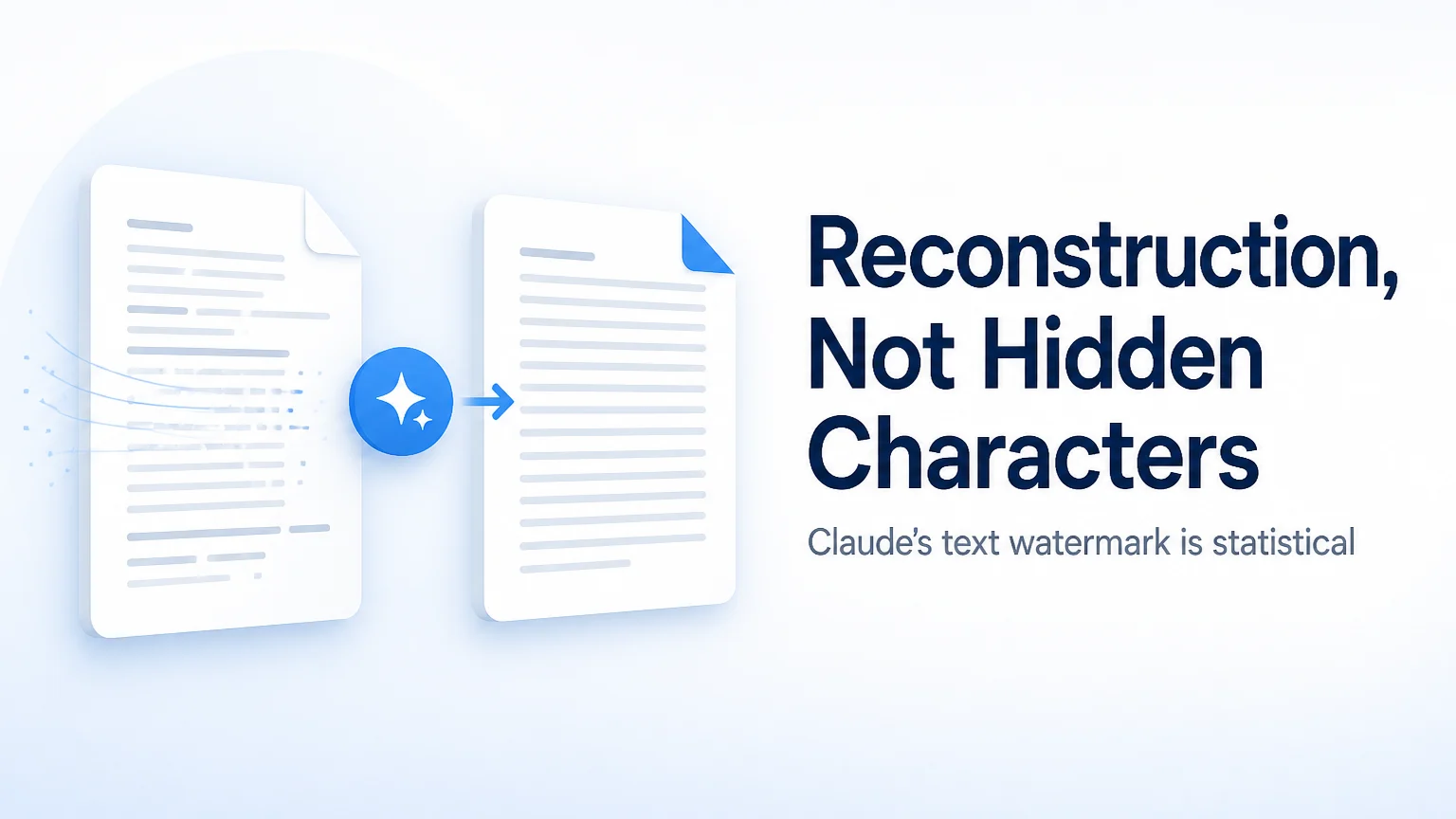
On August 14, 2026, Anthropic published research detailing how Claude's text watermark works. Unlike clipboard residue, an official statistical watermark does not insert invisible characters, hidden Unicode code points, or secret metadata. Instead, it operates during text generation by applying subtle pseudo-random sampling bias to token selection probabilities.
Stripping zero-width spaces or cleaning Markdown syntax has zero effect on a statistical watermark, because there are no hidden characters to remove. Detecting a statistical watermark requires access to the model provider's cryptographic key (no public verification API is currently live). The only way to alter a statistical watermark distribution is through a thorough, meaning-preserving rewrite of the text sentences.
Honest limits: what local cleaning tools can and cannot do
Understanding the boundaries of your tools is essential for maintaining editorial integrity and data security.
Client-side privacy and data protection
Free tools designed for invisible character removal, Markdown stripping, and Unicode detection operate entirely inside your client browser using local JavaScript engines. Your text is never transmitted across the network, stored in server logs, or used for model training. This makes local tools completely safe for confidential business reports, unannounced product copy, and embargoed press releases.
What free local tools do not do
Free browser tools do not score text for AI probability, and they cannot bypass third-party AI detectors such as Turnitin, GPTZero, Pangram, or Originality. A local Unicode cleaner removes formatting code points; it does not alter sentence structures, vocabulary choices, or statistical token distributions. Anyone claiming that a simple hidden-character scanner can wash an official statistical watermark or guarantee an AI-free score is misrepresenting how language models work.
When a server-side rewrite is appropriate
If your organization requires a complete stylistic overhaul, tone adjustment, or vocabulary restructuring to remove repetitive phrasing, server-side processing becomes necessary. Pro rewrite tools handle meaning-preserving sentence transformations. These services consume server credits based on word volume (refer to our pricing page for credit tiers, where 10 credits correspond to roughly 1,000 processed words).
When performing an automated rewrite, you must always manually verify verbatim quotes, legal terms, numerical data, and product specifications. Machine rewrites prioritize sentence flow and may inadvertently paraphrase exact statistics or trademarked product names.
How to recover a post that is already live with corrupt permalinks
If you discover that an article is already published and indexed with an invisible character in its URL slug, follow this recovery procedure to fix the issue without losing search visibility:
- Sanitize the title and slug: Open the live post in WordPress. Copy the title and slug, paste them into a local character cleaner to remove all
U+200BandU+202Fcode points, and paste the clean text back into the post fields. - Update the permalink: Ensure the new slug contains only standard alphanumeric characters and hyphens.
- Configure a 301 redirect: If the broken URL was already crawled or shared, add a 301 permanent redirect from the percent-encoded URL (e.g.,
/best-cloud-storage%e2%80%8b-tools/) to the clean URL (/best-cloud-storage-tools/) using your server configuration or a standard redirection plugin. This ensures any user following the old link arrives at the correct page. - Inspect the meta description: Open your SEO plugin box, clear the meta description field, paste the sanitized plain text, and verify that the character counter matches your visual character count.
- Request re-indexing: Submit the updated URL in Google Search Console using the URL Inspection tool to prompt search crawlers to update their index records.
Establishing a brief sanitization check as a standard step before clicking Publish prevents formatting errors, protects your URL structures, and keeps your CMS operating smoothly.
Sources
- Unicode Consortium: Unicode Character Database General Punctuation (U+2000 to U+206F)
- CommonMark Organization: CommonMark Specification for Markdown Parsing
- Anthropic Research: How Claude's text watermark works (Published August 14, 2026)