You paste a paragraph from ChatGPT into Google Docs, WordPress, or your CMS. It looks fine — until it doesn't. A heading breaks across two lines where it shouldn't. Your SEO plugin flags "unusual whitespace." A regex-based linter throws errors on characters you can't even see. You highlight the space between two words and it's… wider than normal? Or narrower?
You're not imagining it. But before you panic about AI watermarks, you need to understand what you're actually looking at.
What Are Those Invisible Characters?
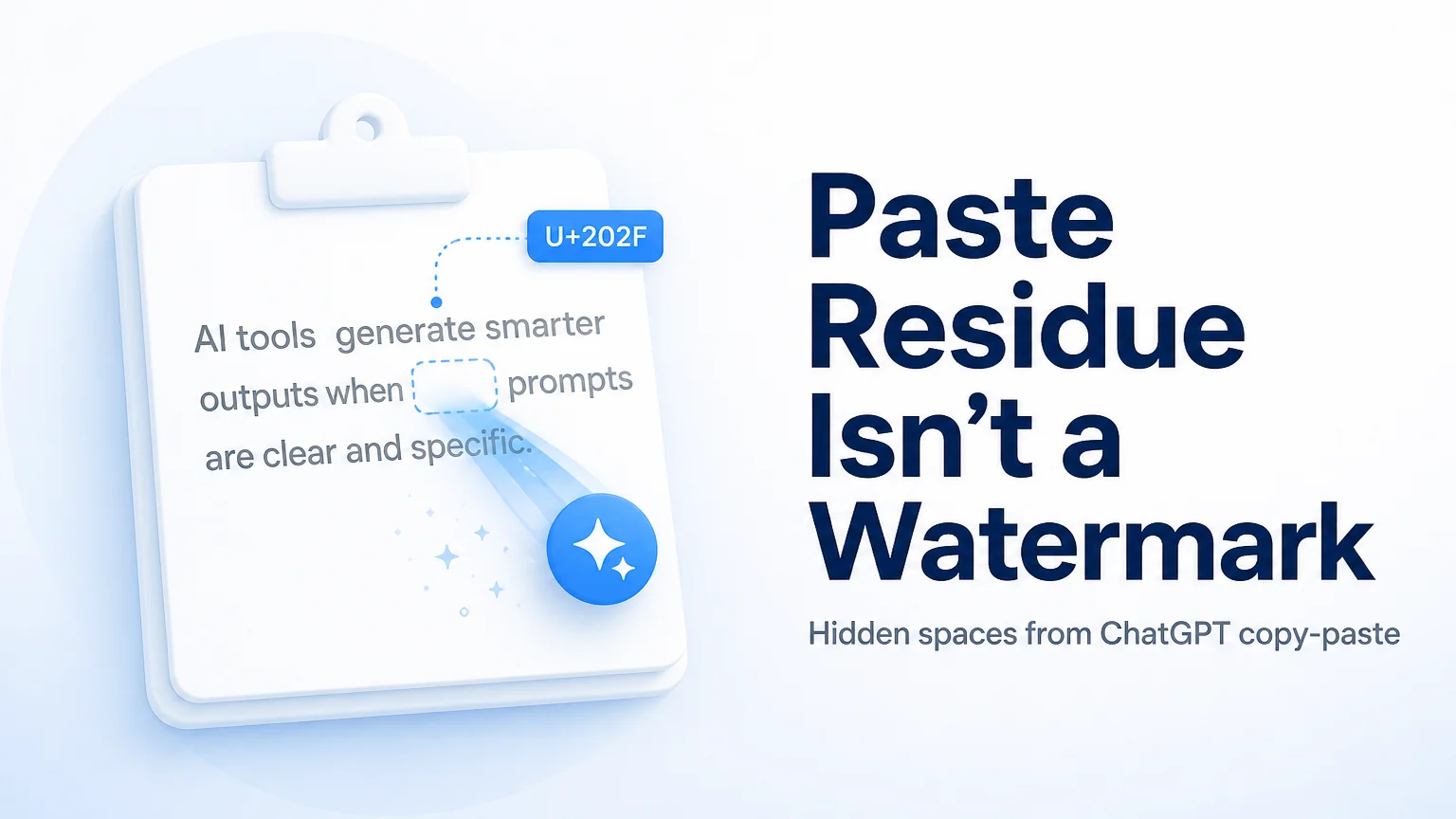
When you copy text from the ChatGPT web interface (or most browser-based chat UIs), the clipboard doesn't always carry plain ASCII spaces. Instead, certain Unicode codepoints ride along — artifacts of how the browser renders the chat bubble, how the markdown-to-HTML pipeline works, or how the operating system handles the copy event.
The most common offender is U+202F, the narrow no-break space. It's a legitimate Unicode character — used in French typographic convention before semicolons, for example — but it has no business showing up between English words in your blog draft.
Other characters you might encounter:
- Zero-width spaces (U+200B) — invisible, zero-pixel-wide, but they exist in the string and can break search, word counts, or CMS validation.
- Zero-width joiners/non-joiners (U+200D, U+200C) — meant for complex scripts like Arabic or Devanagari, not English prose.
- Non-breaking spaces (U+00A0) — the classic
, often harmless in HTML but problematic in plain-text contexts. - Word joiners, left-to-right marks, and roughly 60 other Unicode codepoints that can slip in from various clipboard paths.
These are clipboard residue. They come from the UI rendering layer, not from the language model itself. ChatGPT's model doesn't emit U+202F; the web app's copy-paste pipeline introduces it.
Three Different Things People Confuse
This is the core distinction most articles get wrong. Here's how paste residue, Claude's official watermark, and AI-detector scores actually differ:
| ChatGPT / UI Paste Residue | Claude Official Statistical Watermark | AI-Detector Scores | |
|---|---|---|---|
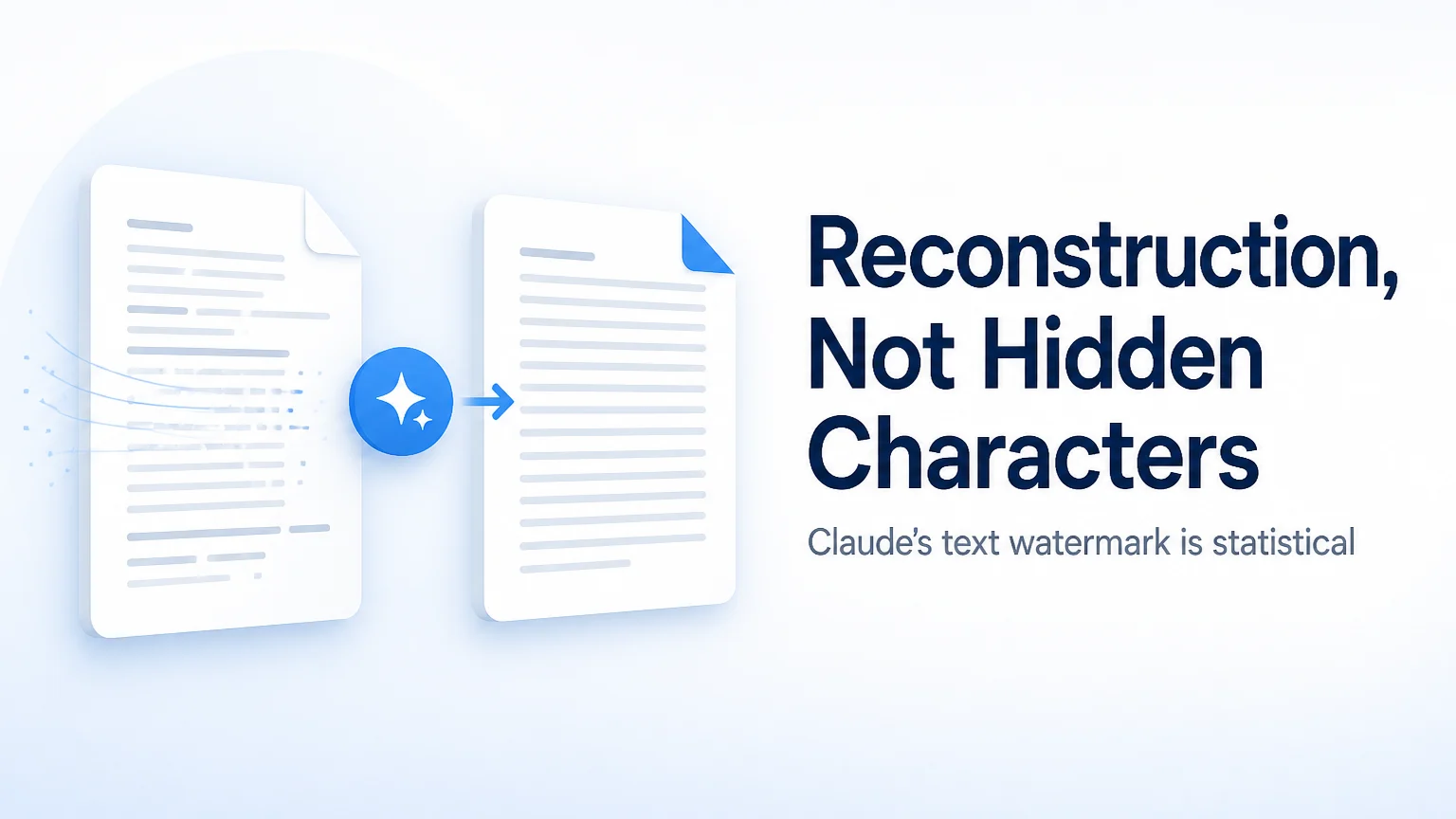
| Mechanism | Unicode codepoints (U+202F, zero-width chars, etc.) injected by the browser/clipboard pipeline | Statistical bias in token sampling during generation — no hidden characters in the output string | Probabilistic classifier trained on writing style patterns |
| Visible in the text? | No (invisible to the eye), but present in the raw string | No hidden characters at all — the signal is in word-choice statistics | N/A — it's a score about the text, not something in it |
| Can you scan for it locally? | Yes — character-level Unicode inspection finds them immediately | No — detection requires Anthropic's internal key; no public verify API exists yet | Depends on the detector service you use |
| How to remove | Strip the offending codepoints (free, local, instant) | Full meaning-preserving rewrite (the path Anthropic themselves describe) | No guaranteed method — detectors are probabilistic and vary |
| Present in Gemini paste? | Gemini can leave its own formatting residue — different characters, different pipeline | Not applicable — this is Claude-specific | Detectors don't distinguish source |
Do not mix these up. If your problem is invisible Unicode junk after pasting from ChatGPT, you don't have a Claude watermark problem. You have a clipboard problem.
How to Check: The Free Detector and Invisible Characters Tab
You can confirm what you're dealing with in under a minute, entirely in your browser, with no text uploaded to any server.
- Go to the AI Text Watermark Detector.
- Paste your text. The scan runs locally and looks for Unicode and formatting residue — odd codepoints, zero-width characters, and similar artifacts.
- If it finds U+202F or other invisible characters, you know you have paste residue.
What this scan does not do: It does not give you a probability score. It does not tell you "this text is 87% likely from ChatGPT." It cannot detect Claude's official statistical watermark — that watermark leaves no characters to find.
To clean the residue, switch to the Invisible Characters tab. Paste, clean, copy. It strips roughly 60 known Unicode codepoints. The processing is local — your text stays in your browser.
If you also have markdown formatting artifacts (leftover **bold** syntax, heading markers, list prefixes), the Markdown tab handles that separately.
When the Free Clean Is Enough
For most people who landed on this page, the free tools solve the problem completely:
- You pasted from ChatGPT and your CMS is complaining about whitespace → Invisible Characters tab.
- You pasted and the markdown syntax came along for the ride → Markdown tab.
- You want to verify the text is clean before publishing → Detector page to scan again after cleaning.
These are formatting problems. The free local tools address formatting problems.
When the Free Clean Does Nothing
The free tabs strip characters and markup. They cannot help with:
- Claude's official statistical watermark. Announced on August 14, 2026, this watermark works by biasing which tokens Claude selects during generation. There are no hidden characters to strip. Light edits — swapping a word here, fixing a comma there — often preserve the statistical signal. The path Anthropic describes for removal is a full meaning-preserving rewrite. The Text Watermark Remover (Pro) does exactly that: it rewrites while preserving your meaning. That's a different tool from the free character stripper, and it uses credits. For a deeper explanation of how Claude's watermark works, see the companion post: Claude's Official Text Watermark Explained.
- Tone or rhythm changes. If you want text that reads differently — less robotic, more conversational — the AI Humanizer (Pro) adjusts tone and rhythm. But the Humanizer is not a watermark removal path. It's a style tool.
- Fooling AI detectors. No tool on the site claims to bypass or pass Turnitin, GPTZero, Pangram, or any AI-detection service. Those detectors use probabilistic classifiers, and no cleanup tool can guarantee a specific score.
Honest Limits
Here's what the site cannot do, so you can make an informed decision:
- It cannot guarantee 100% removal of any watermark or residue. The free tools catch the ~60 most common Unicode codepoints; an exotic one could slip through.
- It cannot detect Claude's official statistical watermark. Nobody outside Anthropic can right now — there is no public verification API.
- It cannot provide legal proof that text was written by a human.
- It is not affiliated with OpenAI, Anthropic, or Google. AI Text Watermark Remover is an independent third-party tool.
Pro features (Text Watermark Remover and AI Humanizer) use credits. Ten credits cover roughly 1,000 words of Pro processing. Check Pricing for current details.
Next Steps
- Start here: aitextwatermarkremover.com
- ChatGPT-specific cleanup: ChatGPT Watermark Remover
- Strip invisible characters (free): Invisible Character Remover
- Scan for residue (free): AI Text Watermark Detector
- Claude watermark rewrite (Pro): Claude Watermark Remover
- Credit pricing: Pricing
- How Claude's official watermark works: Claude Official Text Watermark Explained
AI Text Watermark Remover is an independent tool. It is not affiliated with, endorsed by, or connected to OpenAI, Anthropic, or Google.
Source cited: Anthropic, "Claude Text Watermark" announcement, August 14, 2026 — anthropic.com/news/claude-text-watermark